

Quote every request in minutes, day or night
A digital worker reads each request from email, load boards and messengers, collects what's missing and prices the lane from your data and margin rules. Your team approves, edits or sends the quote
Live in days, not months.
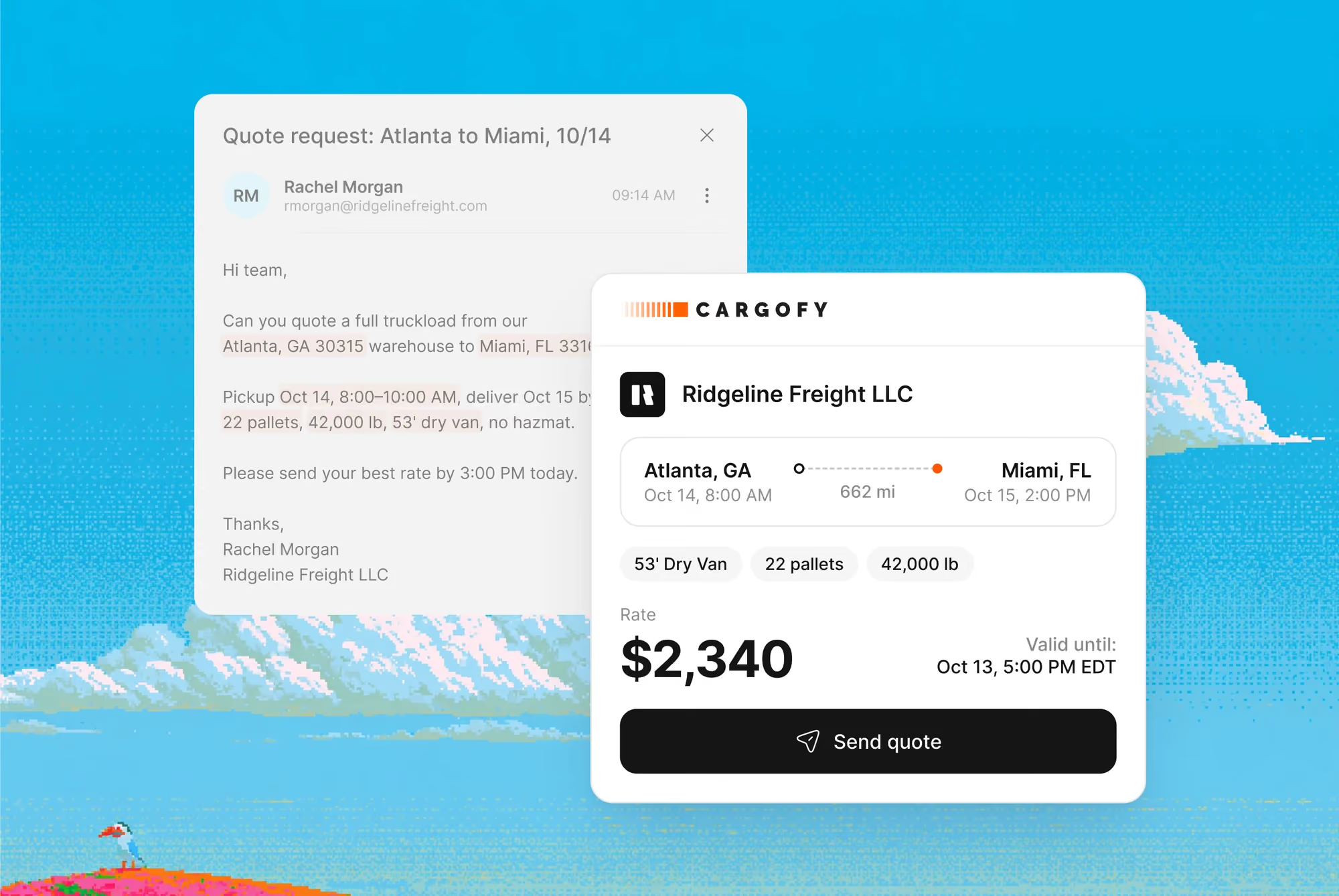
Sales takes the first touch on every inbound request: it asks the questions a forwarder asks before any price and prepares the quote from your pricing sheet. Your pricing desk reviews it, or lets the worker send it on the lanes they choose
The first good quote on every request
One quote takes 15 to 30 minutes of checking the lane, calling carriers and replying by hand, and anything slower than an hour usually loses the load. With Sales, every request gets a complete, priced quote in minutes, ready for your team to approve
The right questions before the price
The worker asks for what's missing: lane, dates, truck type, border crossings, ADR, weight against floor space and who pays for waiting
Priced from your own data
The recommended rate comes from your pricing sheet, lane history and market rates, with your minimum margin applied
Night and weekend requests answered
The worker reads and prices requests around the clock, so a request that lands at 2 AM gets a quote while the shipper is still waiting
You approve what goes out
Approve, edit or reject each quote before it's sent. The worker sends on its own only on the lanes and amounts you set

With digital workers, everything changes
to answer a quote request
inbound requests read
quotes per pricing manager
of quotes at or above your minimum margin
What the Sales Manager does
Parse Quote Request
The worker reads an email, board post or message and pulls out origin, destination, cargo, dates and requirements
Analyze Tender
The worker checks a tender on one of your lanes and suggests whether to bid and at what price
Recommend Price
The worker prices the lane from your history and market rates and applies your minimum margin
Send Quote
A prepared freight quote is sent to the customer from Quoting. The team approves it before sending or allows automatic sending under defined rules.
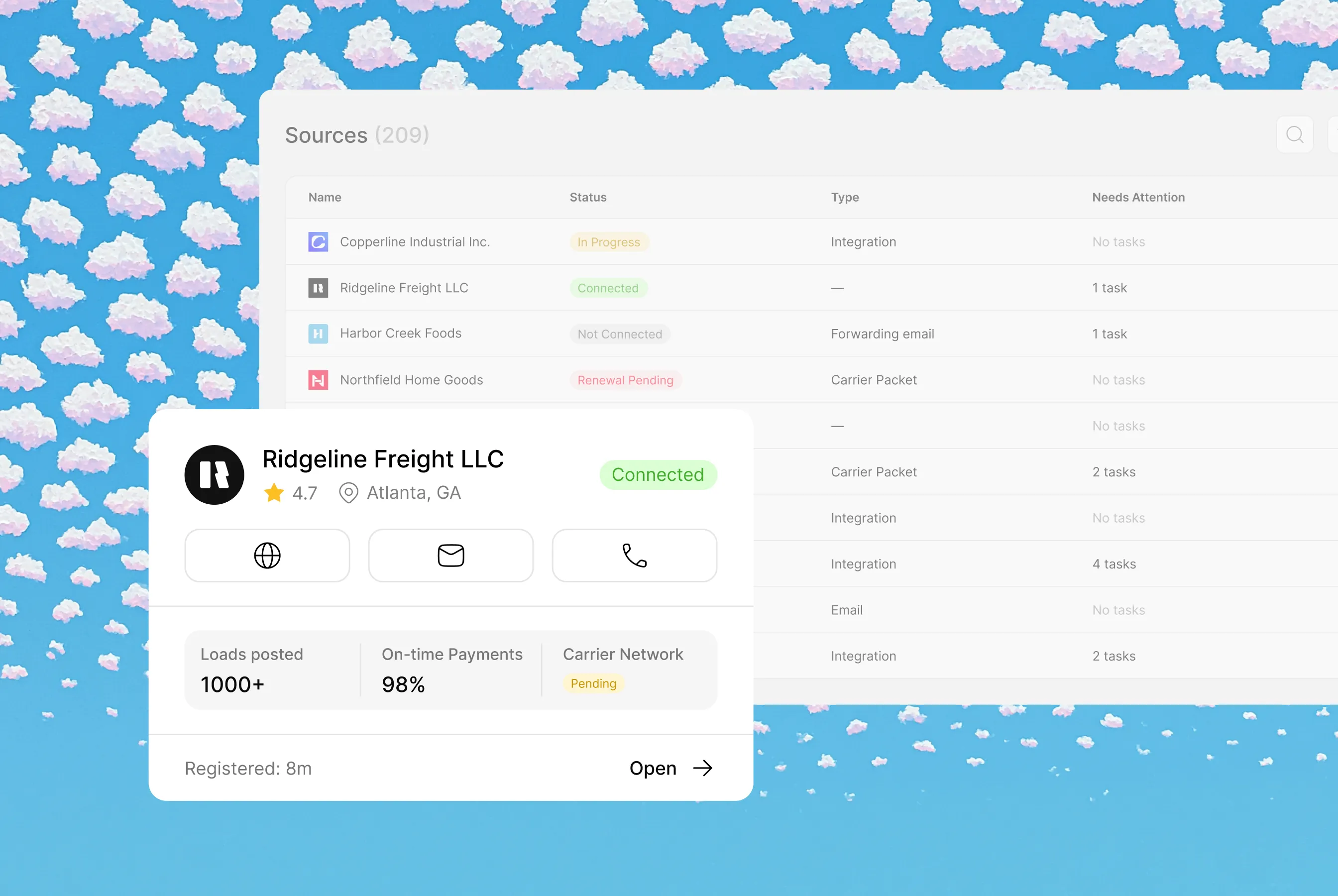
Each agent operates within different contexts and sets of instructions, creating unique workflows and data models
Workflows involved
Common Questions
Everything you need to know about deploying AI Digital Workers into freight operations — from how they work to how fast you can go live.
Freight quoting software prices incoming shipment requests and sends quotes back to customers. Cargofy Sales does this with a digital worker: it reads RFQs from email, load boards and messengers, calculates a rate by your margin rules and replies in the same channel
Your desk does. The worker calculates a recommended rate from the data you connect and the margin rules your desk lead sets. Every price it sends is your price, and you decide which replies need a manager's approval first
Yes. On an inbound call, the digital worker records the shipment details and passes the rate calculation to a manager
No. The worker takes over reading, parsing and pricing routine requests. Your brokers keep the customer relationships, the pricing rules and the calls that need judgment
Yes. Each quote can wait for a broker to approve, edit or reject it. You choose the lanes, amounts or customers where the worker sends quotes without review
The worker asks for everything a forwarder needs before pricing: lane, loading dates, truck type, border crossings, ADR class, weight and floor space, and who pays for waiting time. Quotes go out only when the request is complete


Ready to put a Digital Worker on the job?
Live in days, not months — connected to your TMS, load boards, and the 50,000-company Cargofy Network from day one.