

One shipment record from tender to payment
Carrier selection, documents, tracking and payment run inside the same shipment, with every load and stop attached. Your team opens one card to see where the shipment stands and what's left to close it
Live in days, not months.
.png)
Shipments is the record the other products work in. Freight Procurement, Documents, Tracking and Finance each add their step to the same shipment, so nothing is copied between systems
Every step of the shipment in one place
The tender lives in email, documents in a folder, tracking in a messenger and payments in Excel, and every handoff means retyping the same data. With Shipments, each step works on one record with its loads and stops
Tender to payment in one flow
Each shipment moves through carrier selection, documents, tracking and settlement, and you see which step it's on
Loads and stops entered once
Every load and stop is stored in the shipment and reused by each step, from the tender to the invoice
Each step picked up by its digital worker
Digital workers in Freight Procurement, Documents, Tracking and Finance take their step from the same shipment
Set up around your process
Turn on the steps you use and adjust them with the Architect

With digital workers, everything changes
of shipment data in a single record
fewer manual touches per shipment
to create a shipment
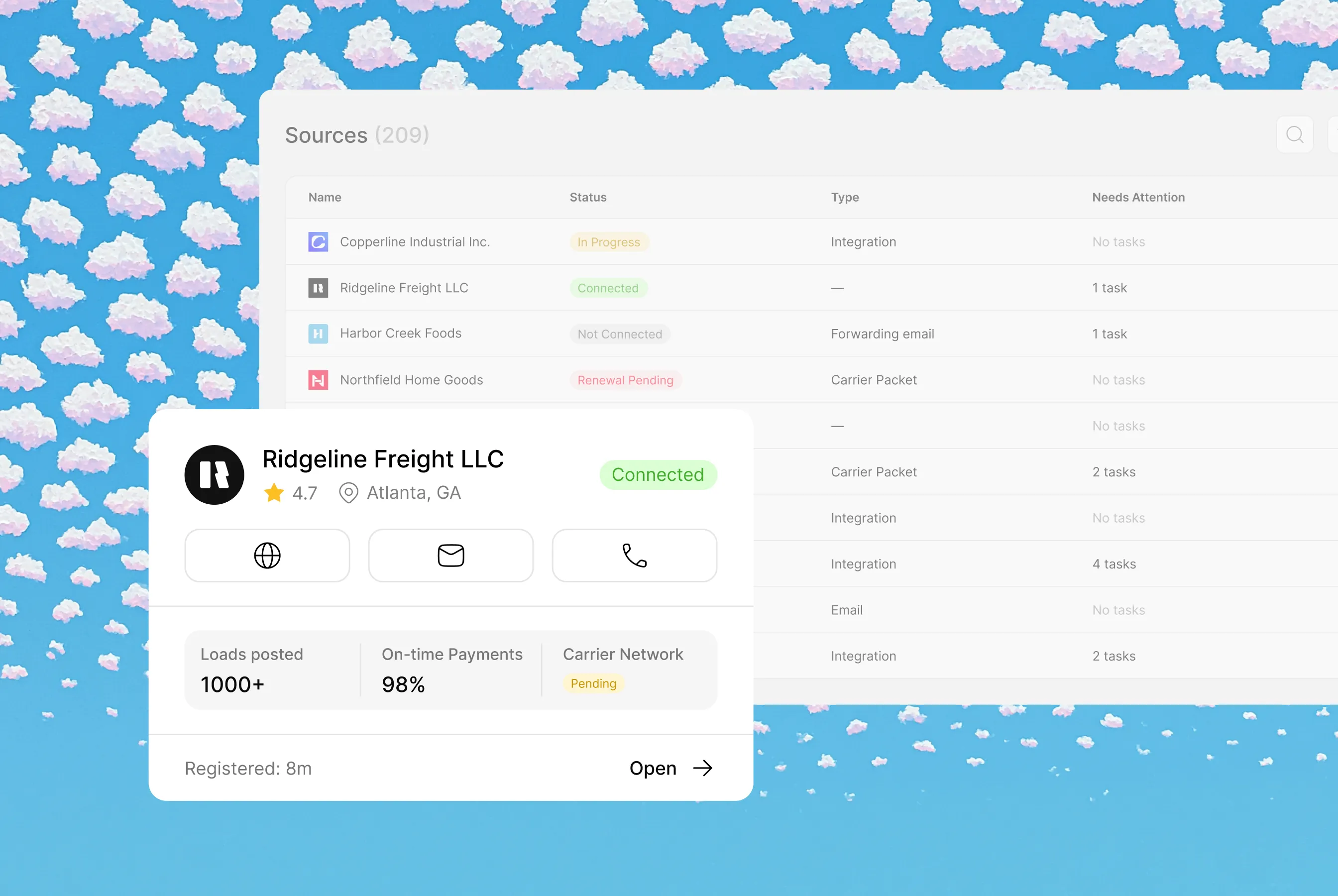
Each agent operates within different contexts and sets of instructions, creating unique workflows and data models
Common Questions
Everything you need to know about deploying AI Digital Workers into freight operations — from how they work to how fast you can go live.
A shipment management system keeps each shipment's data and status in one record from booking to payment. Cargofy Shipments links carrier selection, documents, tracking and settlement to the same shipment, with its loads and stops
A shipment is the full order. Loads are the cargo inside it, and waypoints are the stops where it's picked up or delivered. All three are entered once and used by every step
No. Shipments is the record the other products work in. Digital workers in Freight Procurement, Documents, Tracking and Finance do their step on the same shipment
Yes. Shipments can come in from your TMS or ERP, including SAP TM, and the chosen carrier and rate are written back


Ready to put a Digital Worker on the job?
Live in days, not months — connected to your TMS, load boards, and the 50,000-company Cargofy Network from day one.