

Digital workers for shippers
Get every shipment run from quote to POD by a digital workforce that operates 24/7, while your team does more with the same headcount
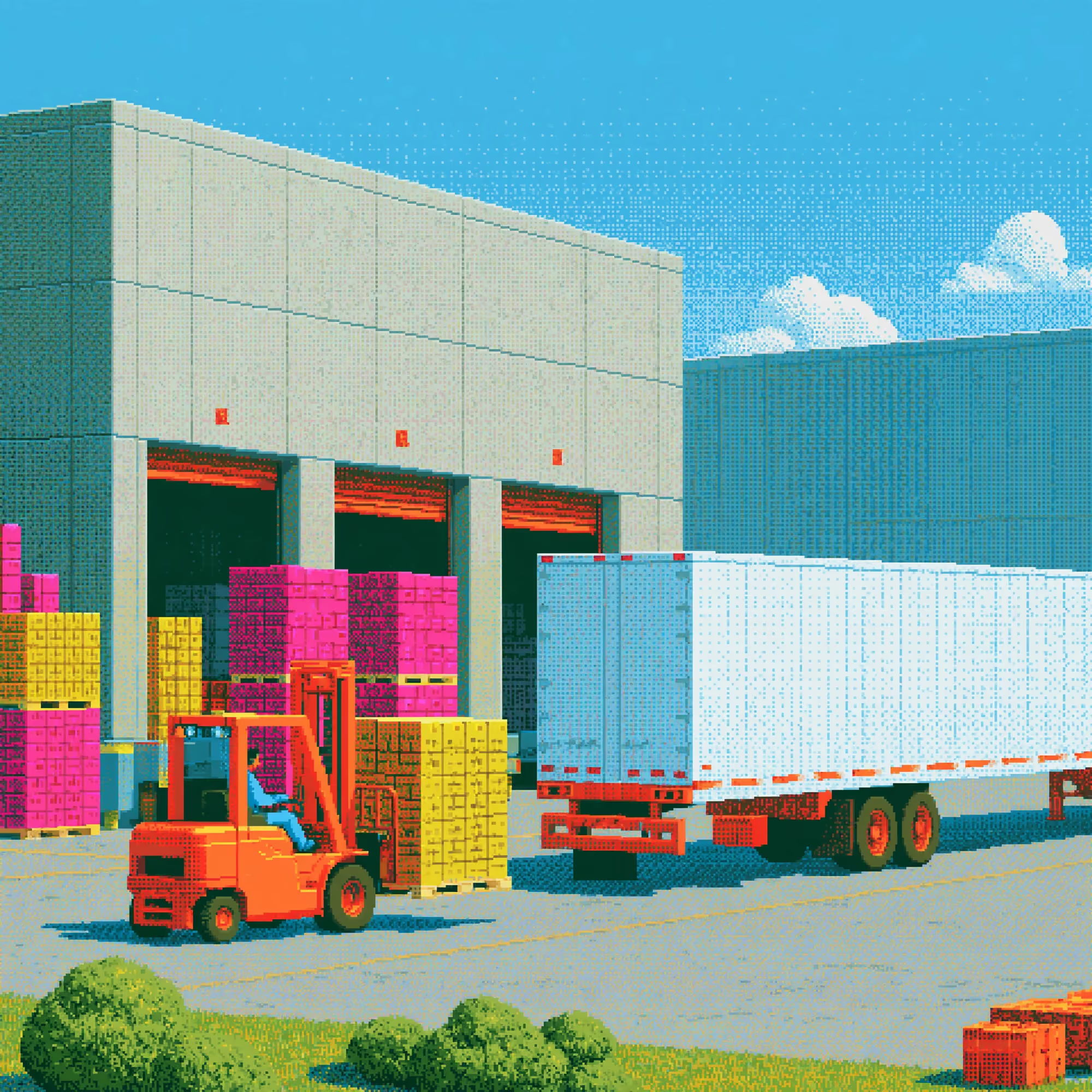
Less manual work from quote to delivery
From freight requests to delivery tracking
One form for every department
Sales, procurement and supply submit through the same New Request form, so logistics gets route, cargo and dates in one format
A portal for the people who order
Teams outside logistics submit requests in the Requests portal and see where each one stands
From request to tender in one step
The digital worker sends the request into Freight Procurement with its route and cargo, so nobody retypes it into a tender

Your routing guide in every lane
Set the first, second and third choice carrier for each lane with their contract rates
Rejections move down the guide
If the first choice declines, the load goes to the next carrier at its contract rate, and only then to open bidding in Freight Procurement
Lane history at hand
See every past load, rate and carrier on a lane before you book the next one
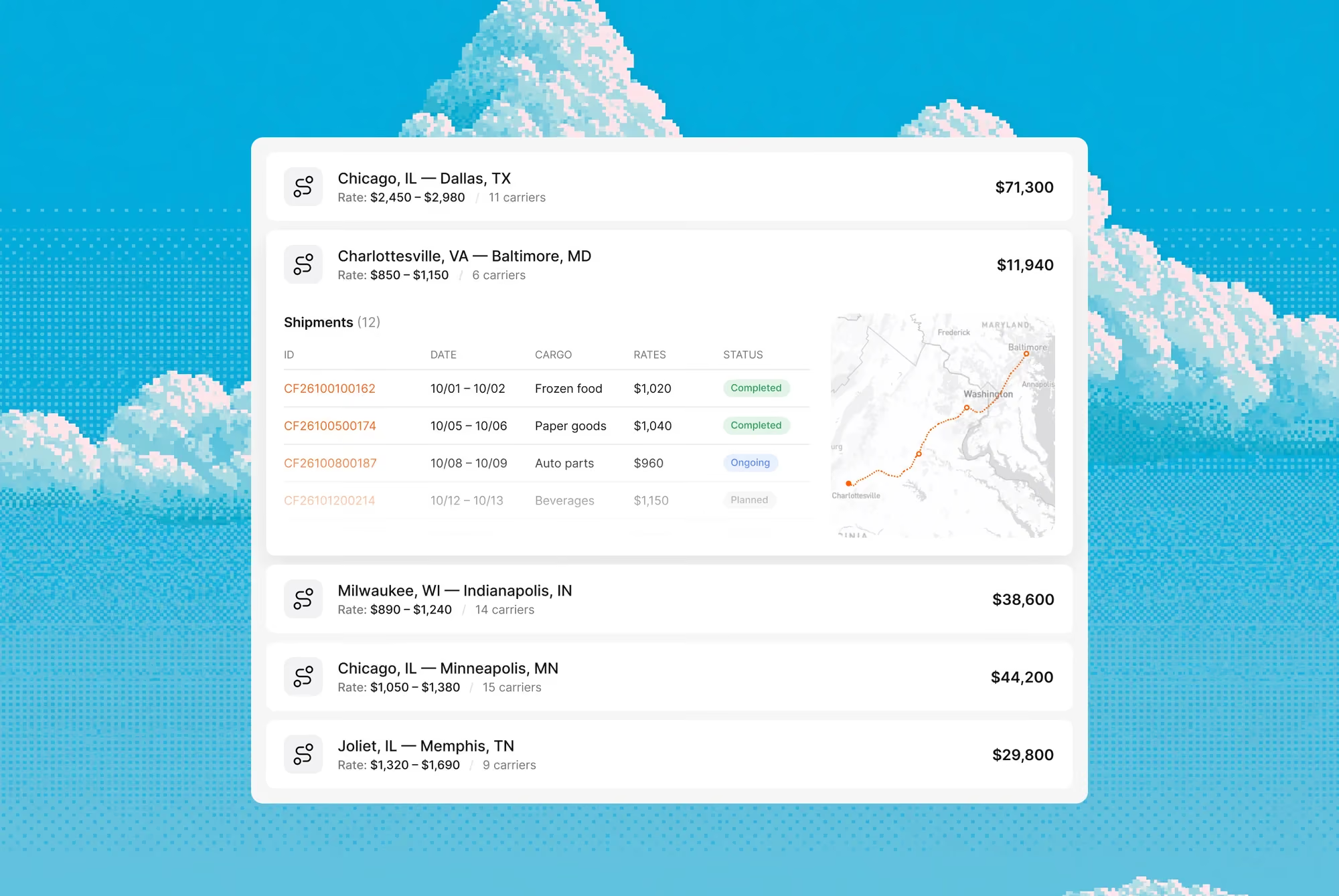
Every relevant carrier hears about the shipment
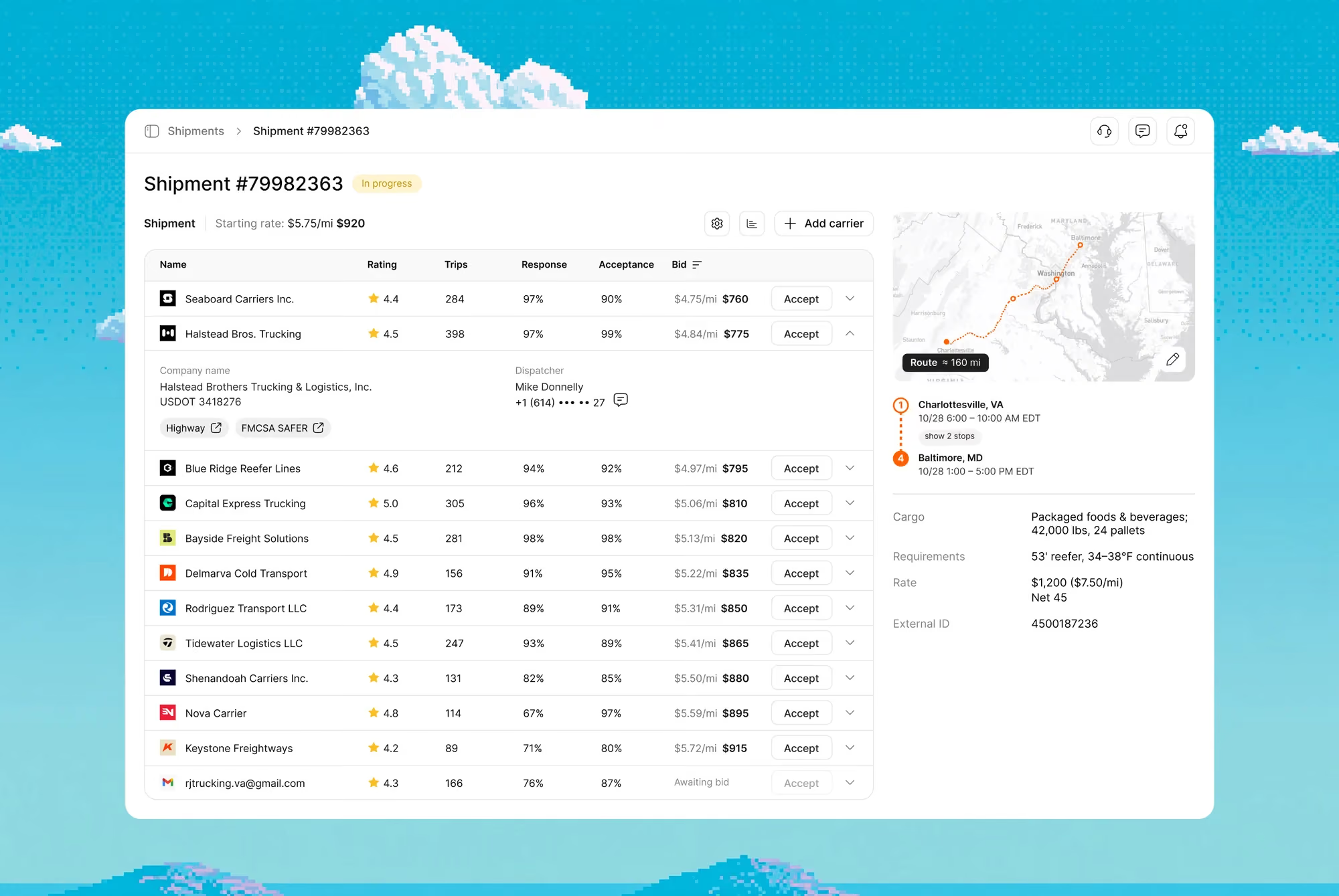
The tender goes to your contracted carriers first, then to the Cargofy network and load boards. You keep working with carriers you trust and reach new ones when a lane needs them
You never pay above your target
Set a target rate and block bids above it. Add a booking price, and a carrier can take the shipment on the spot at that rate
Bidding stays alive until the last minute
Each new bid has to beat the last by your bid step, and a bid in the final minutes extends the tender. Before close, the digital worker calls the runners-up and tells them how far they are from the lead
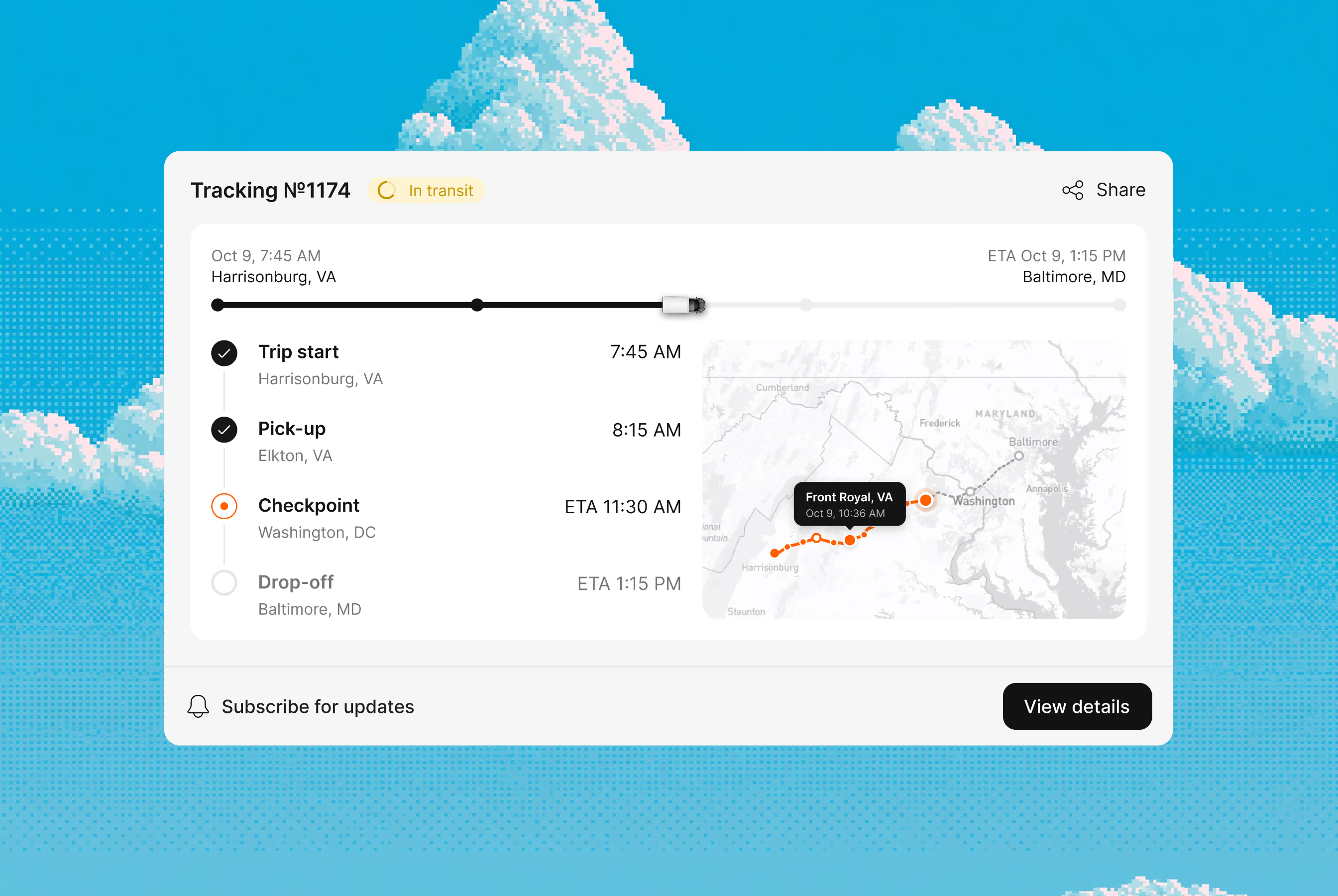
Location lives inside the shipment
Tracking runs within the tender process. Carrier, rate, documents and the truck's position sit in one record, so nobody switches between tabs to answer "where is it"
Statuses come from the stop itself
In Cargofy Go, the driver marks arrival, loading and unloading and photographs the documents. You see the status the moment it's marked
The delay reaches you first
When a trip falls behind schedule, Tracking alerts the manager while there's still time to warn the customer
Capacity when your list runs out
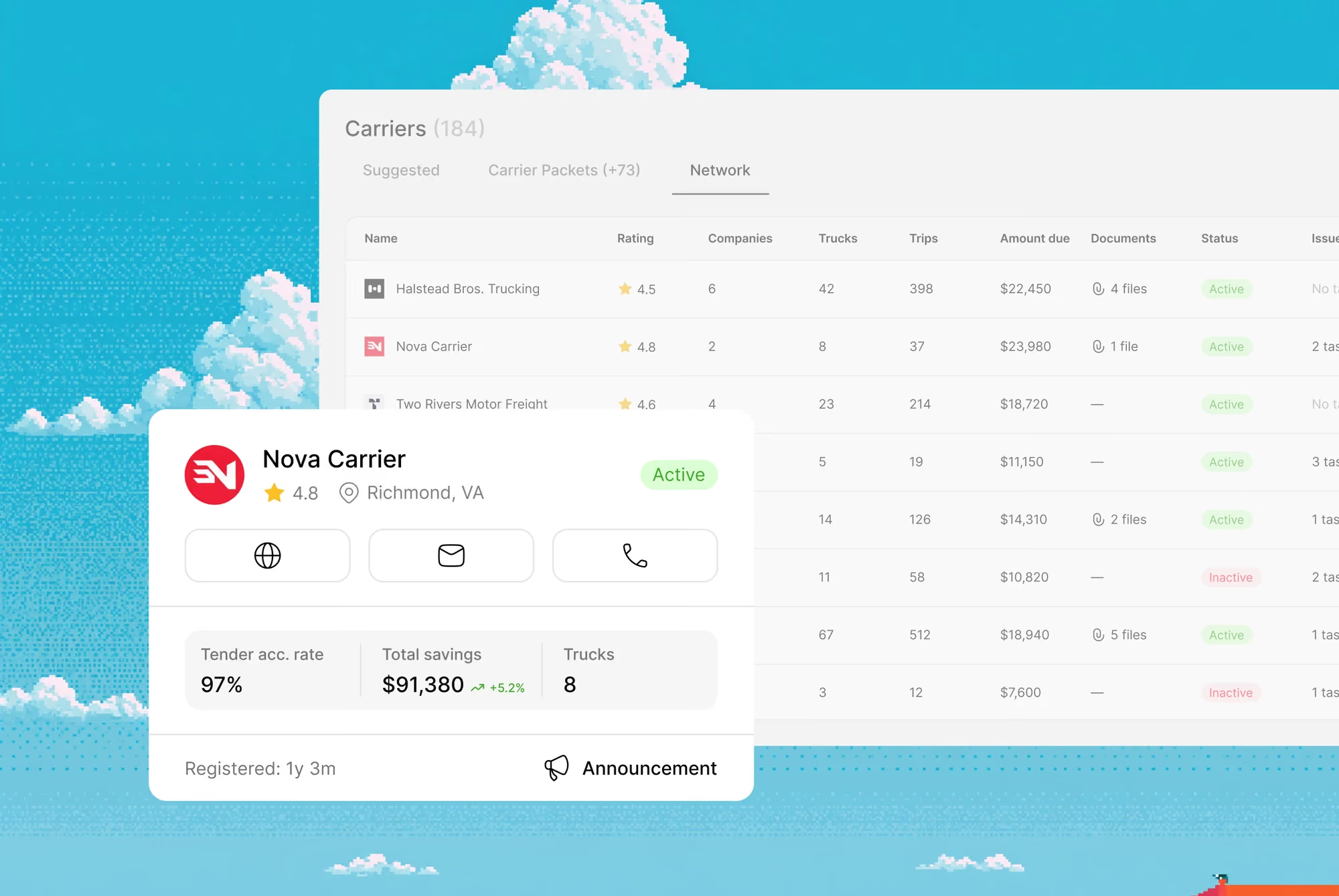
Invite carriers from the Cargofy network of 50,000+ companies with public profiles. Your private network stays closed to other shippers
Every carrier checked, every time
Licence, insurance and company data are checked before a carrier can bid on your tenders. The check runs for every carrier, not only when someone remembers
Onboarding the carrier does themselves
One link opens the carrier packet. The carrier enters company data, uploads documents and signs a contract generated from your template

How Avrora automates freight procurement
Before Cargofy, our team spent hours calling and messaging carriers. Now, most of our tenders go out automatically.
Map your business
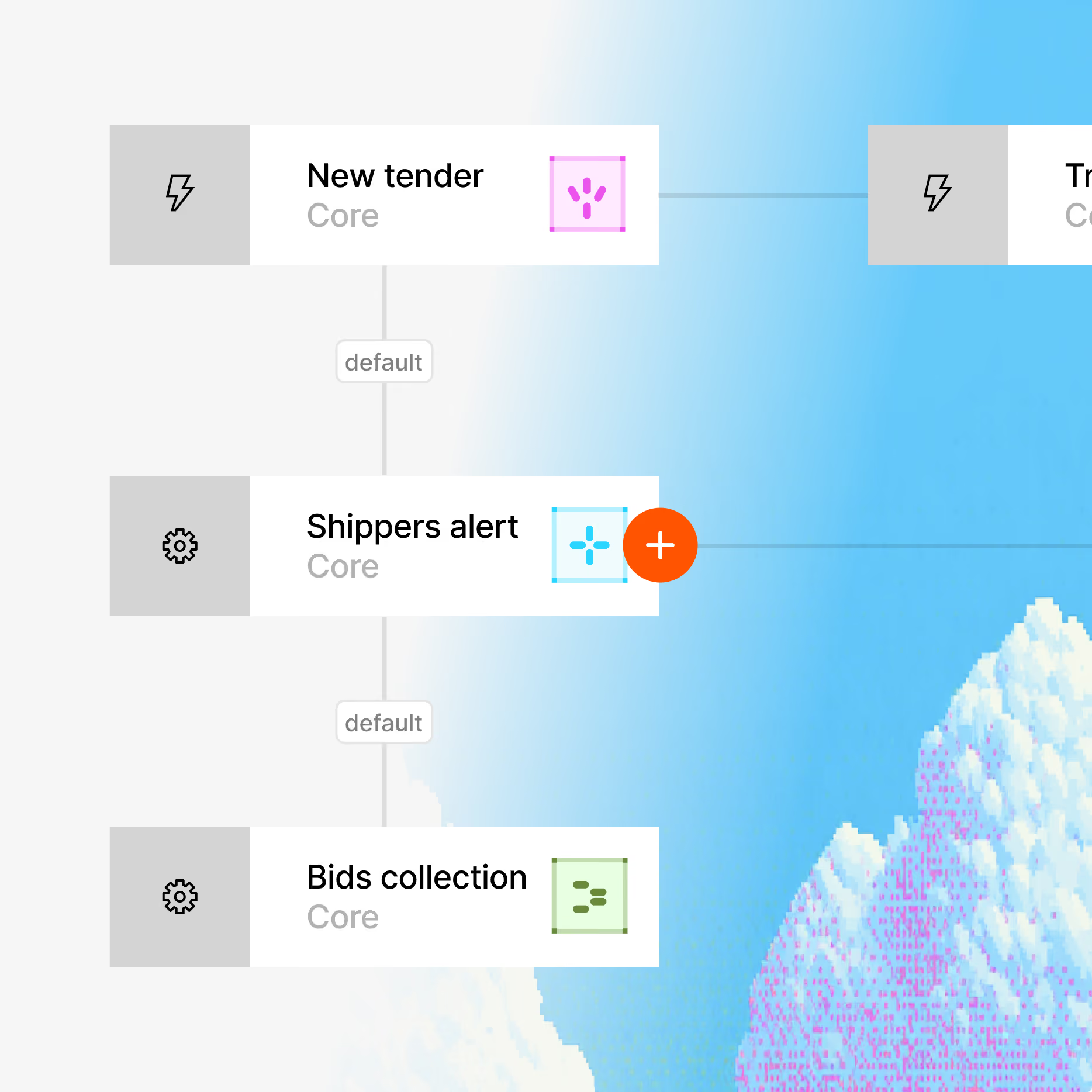
System Architect studies your website, interviews your team and builds a virtual map of all your processes. You review it before anything goes live.
Build your platform
Each digital worker has its own credentials, role, virtual computer and smartphone. Whatever your team does on a screen, it can do too, in 28 languages.
Go live in hours
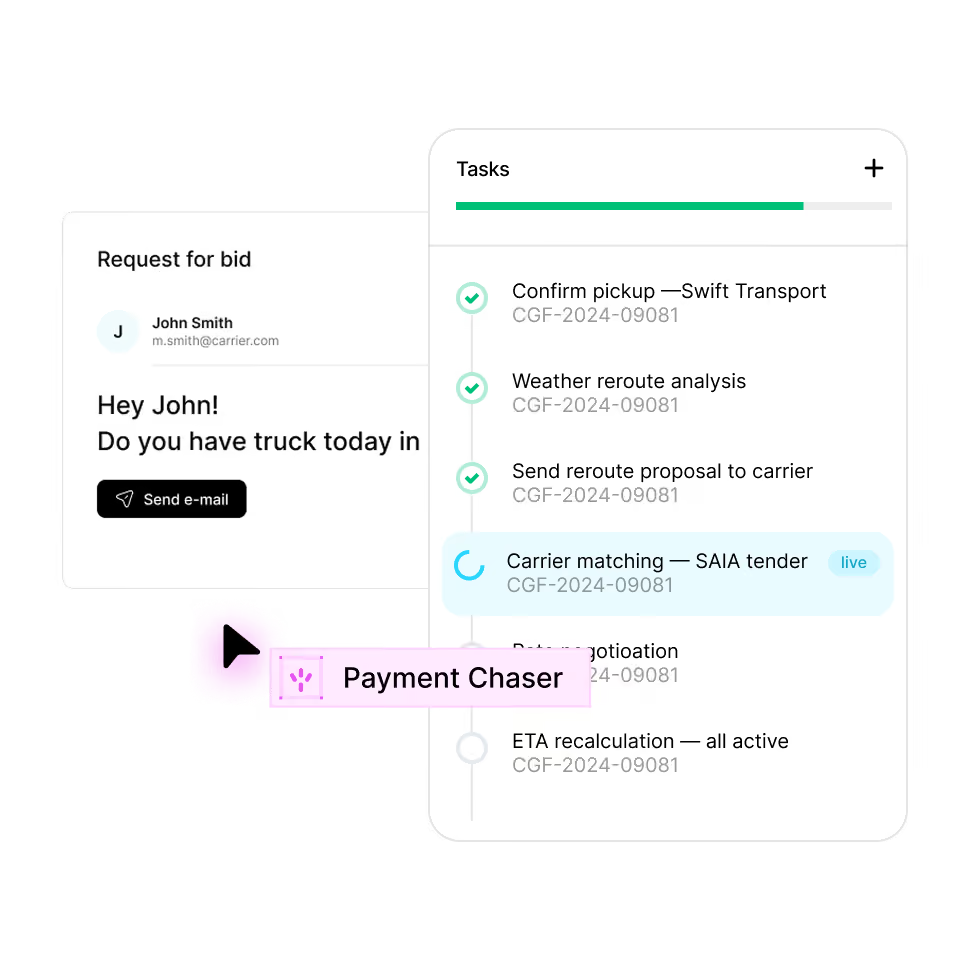
Digital Workers connect to your TMS, ERP, email, GPS and other tools through 100+ integrations, plus REST API, webhooks and MCP.
Your operation now runs itself
The platform maps your operation and builds the workflows and digital workers to run it, on top of the tools and channels you already use. You decide what they can do and where they must get approval.


Enterprise grade security
Your data stays yours. Built with privacy-first architecture for regulated industries.

Enterprise access controls

Independently audited

GDPR, CCPA, HIPAA ready

AES-256 at rest, TLS 1.3 in transit
FAQ
Everything you need to know about deploying AI Digital Workers into freight operations — from how they work to how fast you can go live.
Cargofy digital workers collect carrier quotes, confirm bookings, track shipments, flag delays early, and gather BOLs, PODs and invoices for logistics audit. Your logistics team sees status and exceptions in one place and spends less time chasing carriers by email and phone.
A TMS stores your loads, rates and documents. Cargofy AI agents do the manual work around it: they read carrier emails, prepare freight quotes, chase PODs and update shipment statuses, then write the results back into your TMS. You keep your current system, and your team stops copying data between screens.
Yes. Cargofy digital workers reach your current carriers through the channels your team already uses: email, carrier portals, and EDI or API where available. Carriers don't need to install anything or change how they work.
No. Cargofy digital workers take on data entry, status checks and document chasing, so your team has more time for clients, carriers and exceptions. Messages to clients follow your tone, and anything sensitive waits for a person to approve it. Your people stay the ones clients deal with on important decisions.
With Cargofy, the first digital worker goes live in a few days. We map how your operations run, build a workflow, and the digital worker is ready to work alongside your team.
To start, Cargofy needs access to the mailboxes where the work comes in and access to your TMS through an API or a data export. We also need your operating rules, such as pricing logic, carrier preferences, and escalation paths, and one person on your side to own the process during setup.


Ready to put a Digital Worker on the job?
Live in days, not months — connected to your TMS, load boards, and the 50,000-company Cargofy Network from day one.