

ONE WORKSPACE FOR YOUR TEAM AND DIGITAL WORKERS
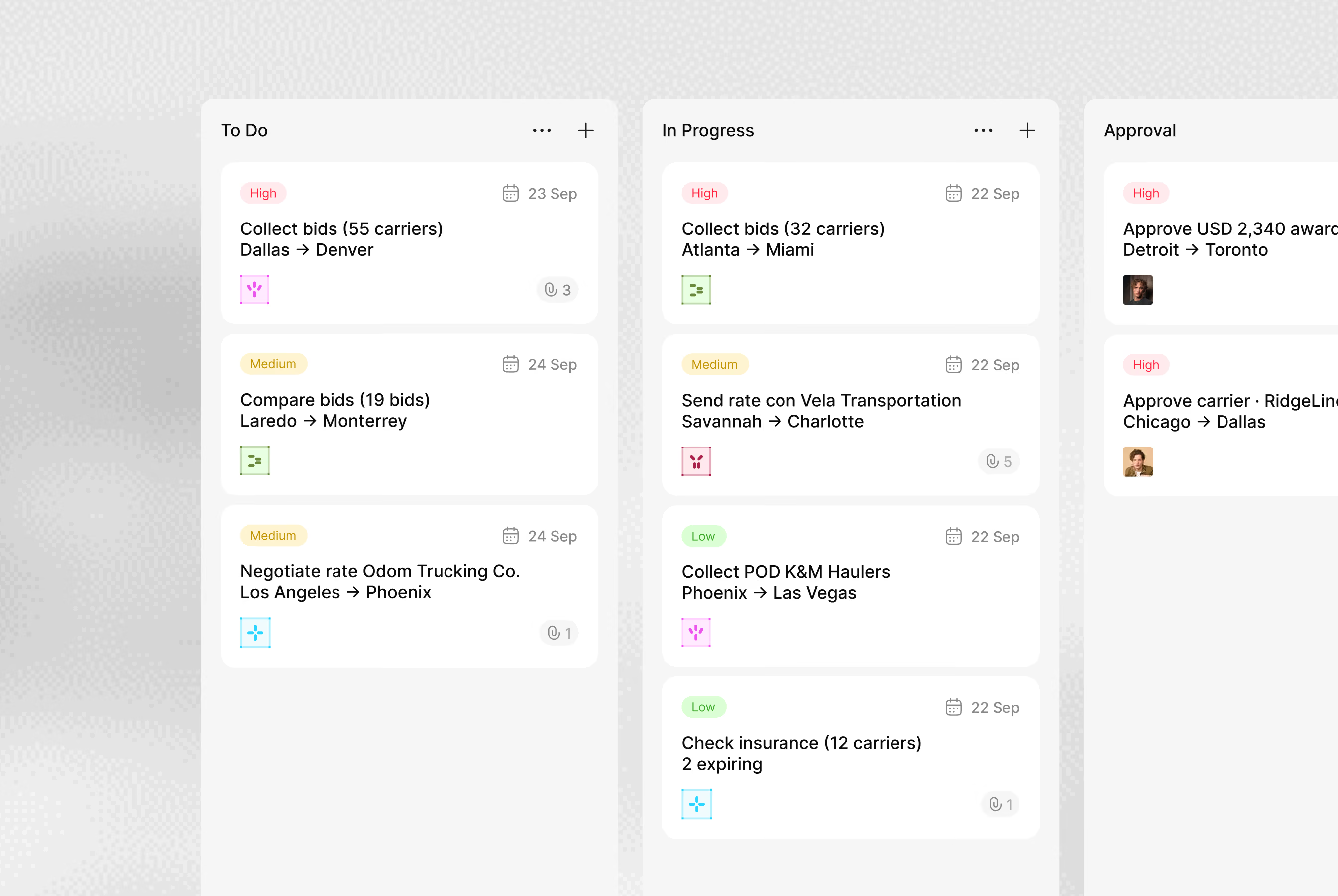
Your digital workers run here, next to your team. Tasks, records, conversations and approvals stay in one place, so you can see what each worker did

KNOW WHO’S ON EACH TASK AND WHAT COMES NEXT
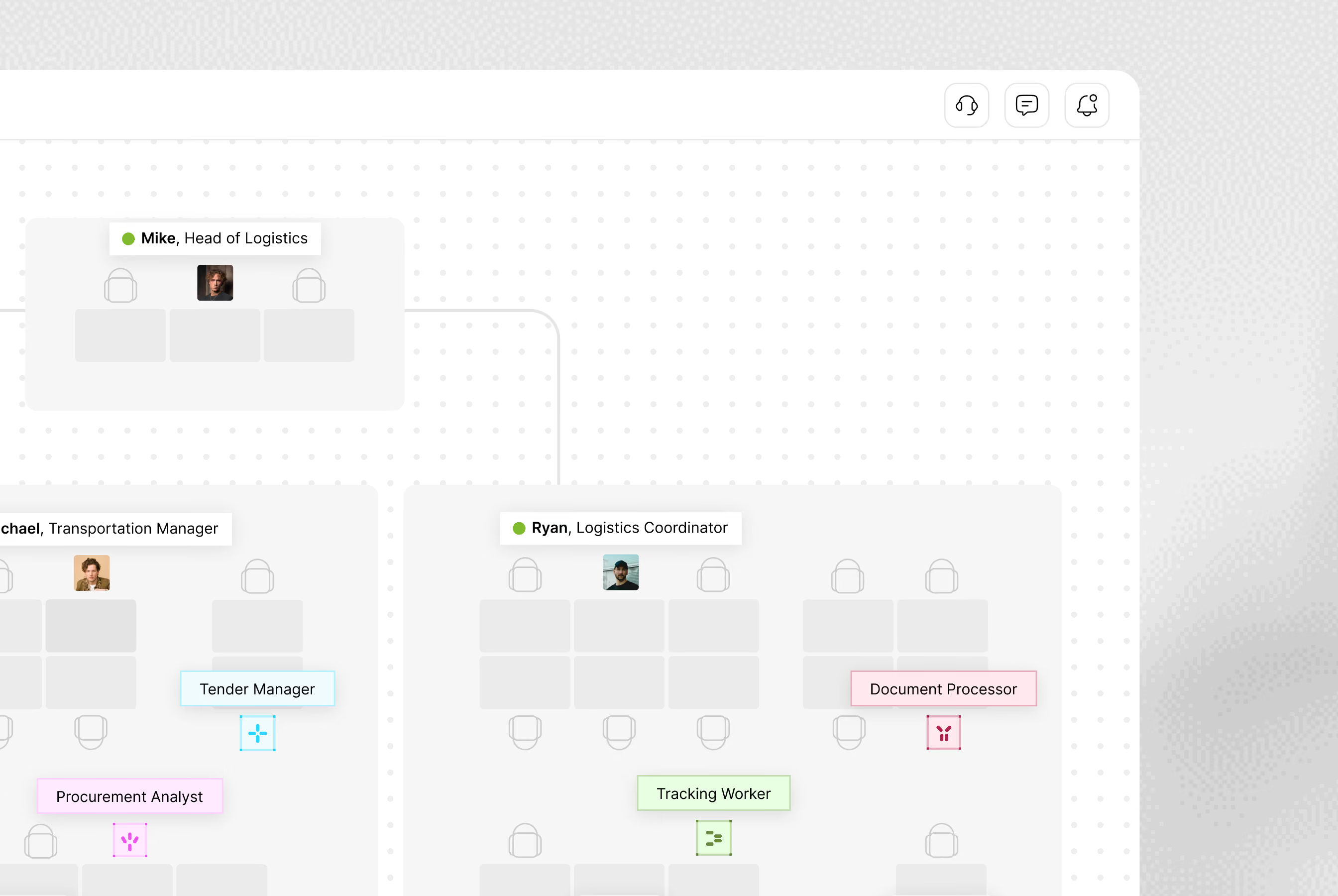
People and digital workers
Each digital worker gets a seat in your structure, next to the people it works with, with a defined role and scope
Context stays with the task
Records, instructions and conversations stay together, so whoever picks up the task next knows what needs to happen
A clear handover
See what has been done, what is still open and where a decision is needed before the process can continue
A task with the facts attached
Each task opens with the request and every record and document tied to it, so nobody rebuilds the story from email
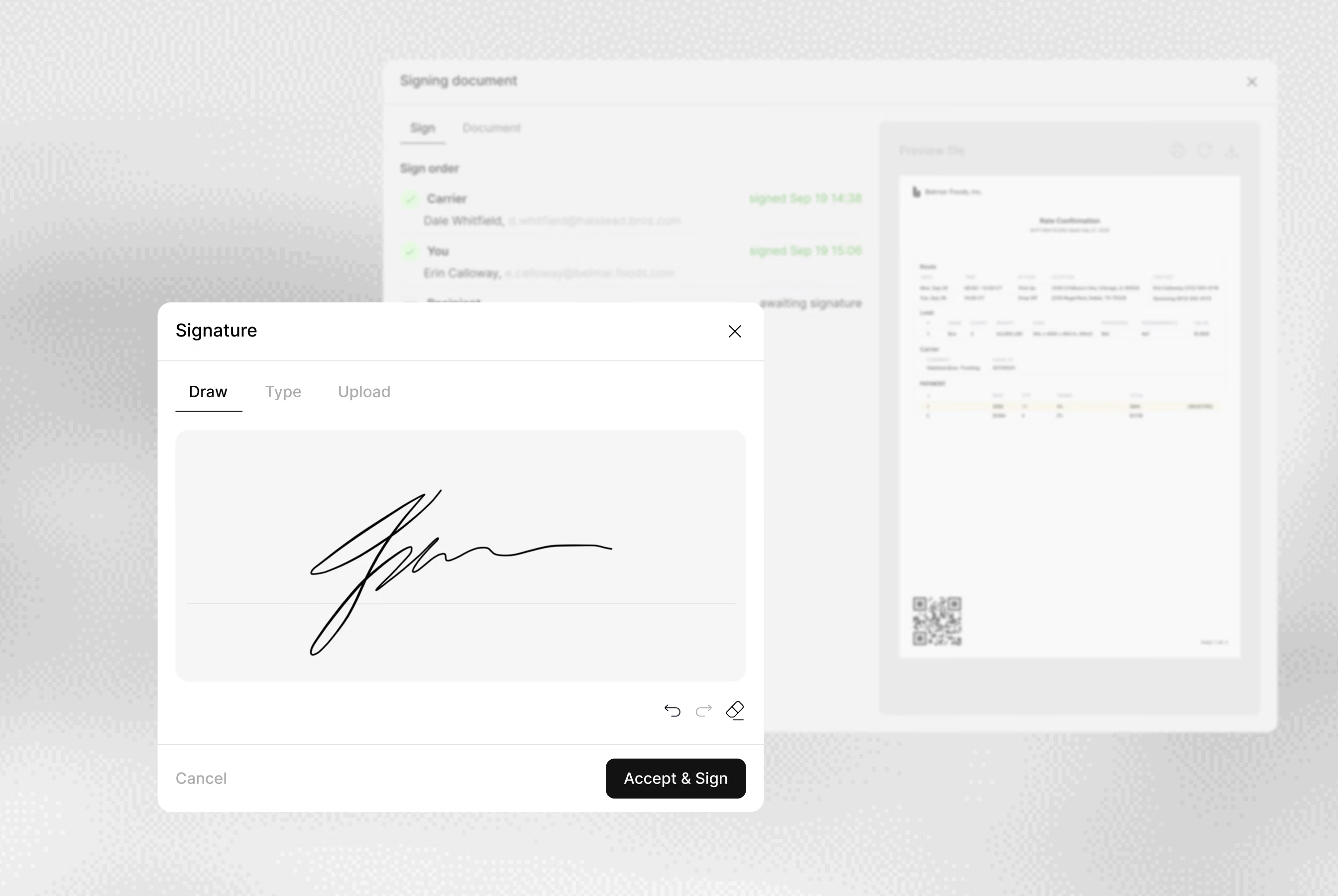
Approvals at the right step
Set the steps where a digital worker pauses for a person to sign off, such as a quote before it goes to the shipper
Clear ownership
Every task shows who holds it and what happens next, whether that’s a person or a digital worker
Your procedures in context
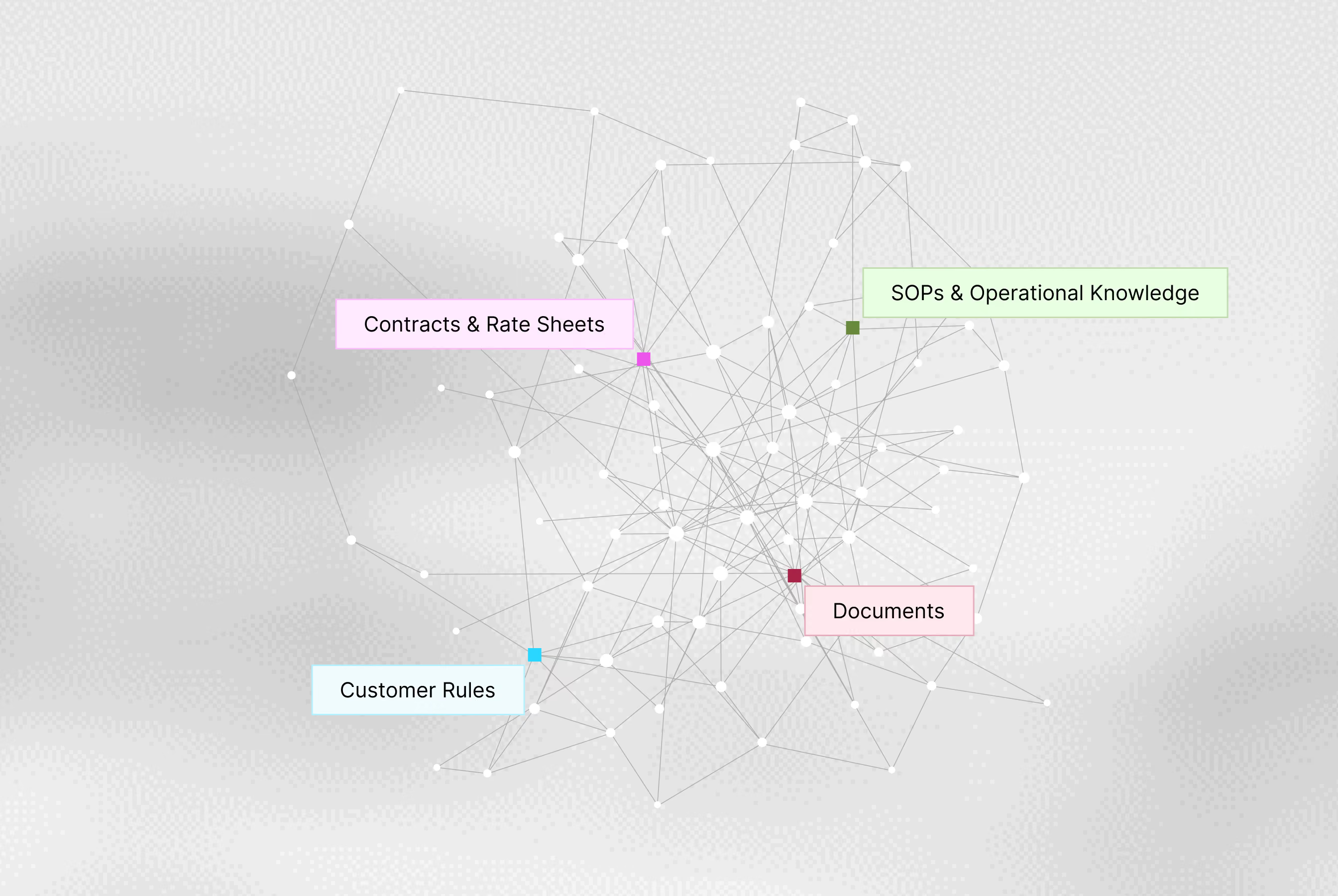
Keep customer instructions, operating procedures and business rules available alongside the work they apply to.
Answers from your records
Ask about a lane or a customer and get the answer from your rate sheets, contracts and documents
One playbook for the whole operation
Digital workers follow the same SOPs as your team, so an exception gets the same handling whoever picks it up
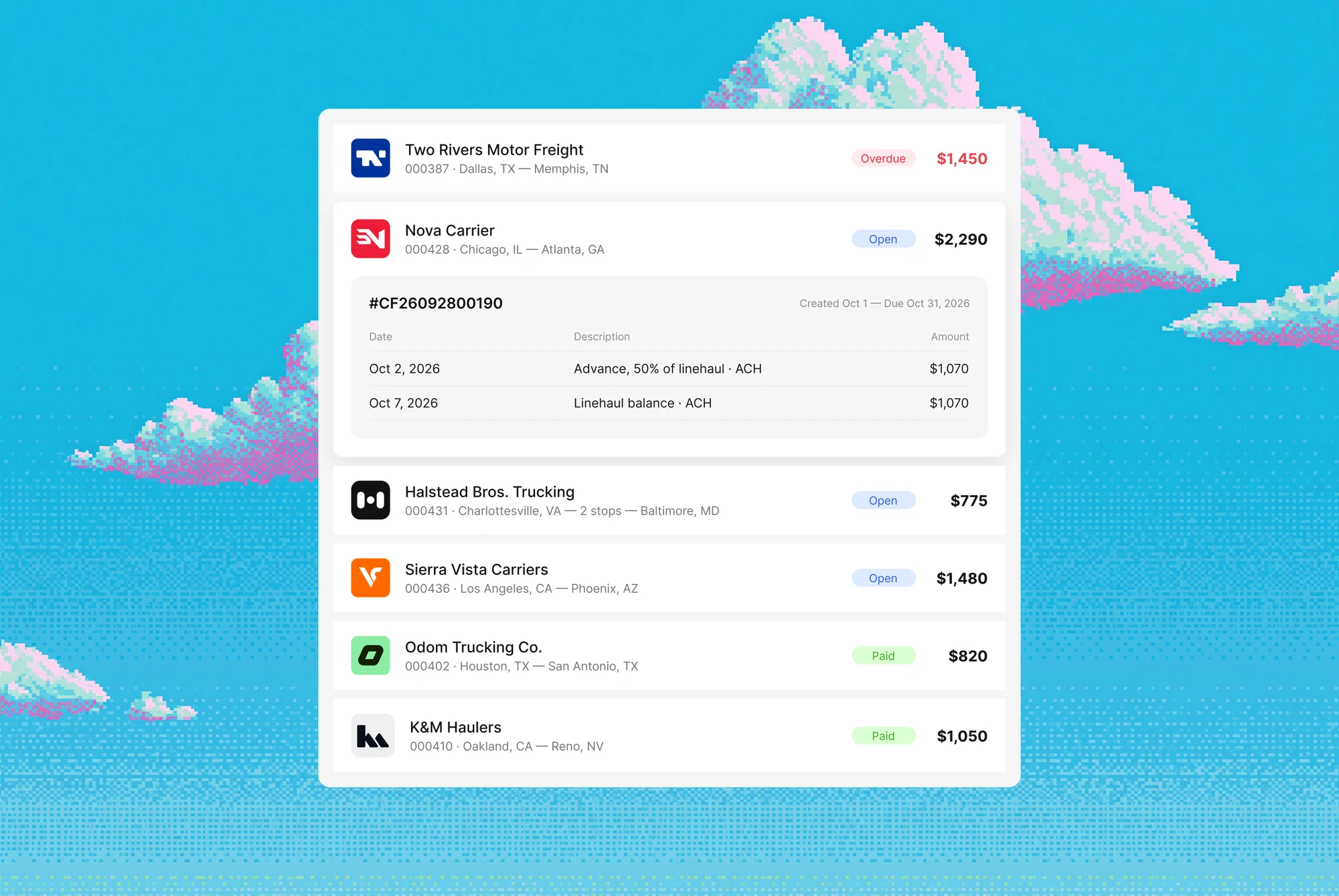
THE RECORD DOESN’T END AT DELIVERY
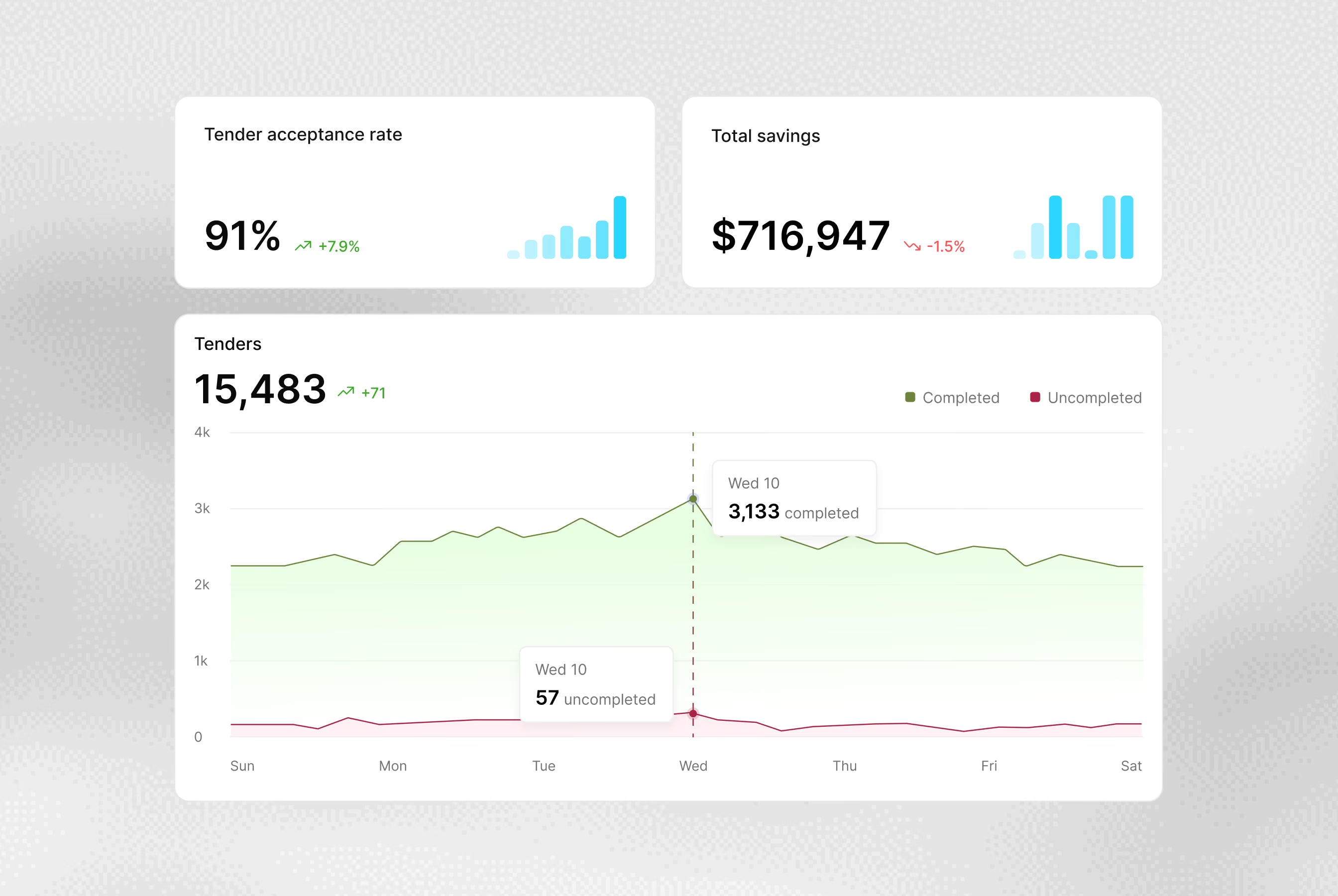
The operational record should not end at delivery. Documents and invoices stay attached to the shipment, so billing and reporting start from what happened on the load
THE FULL HISTORY BEHIND EVERY RELATIONSHIP
Conversations on the record
Each message and call outcome is saved to the contact and the shipment it’s about
Pick up where the team left off
Before you reply, see what was already agreed and what’s still waiting on an answer
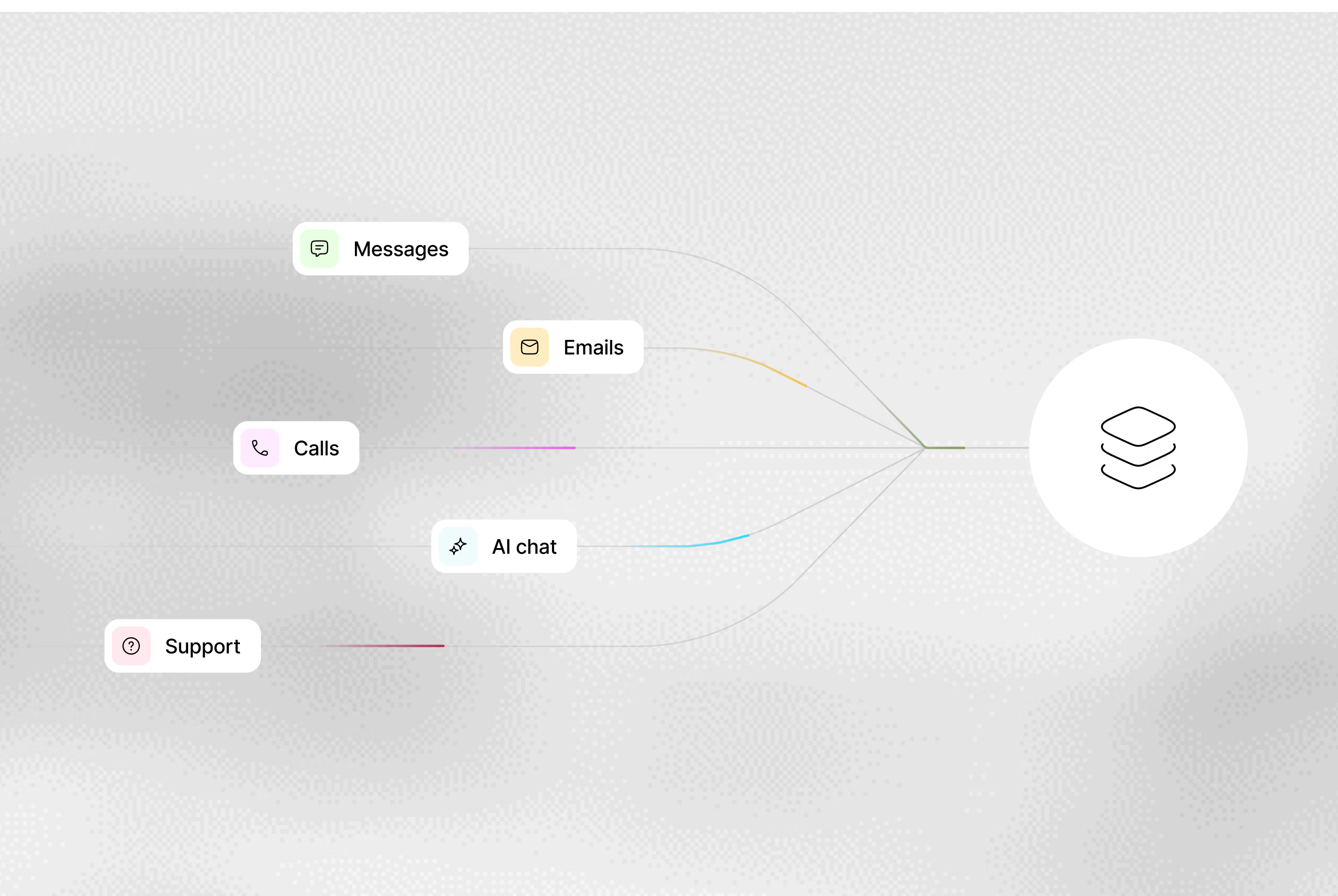
All channels in one place
Email, calls and messaging run through one view, and whoever replies, a person or a digital worker, has the records at hand
Know who to contact
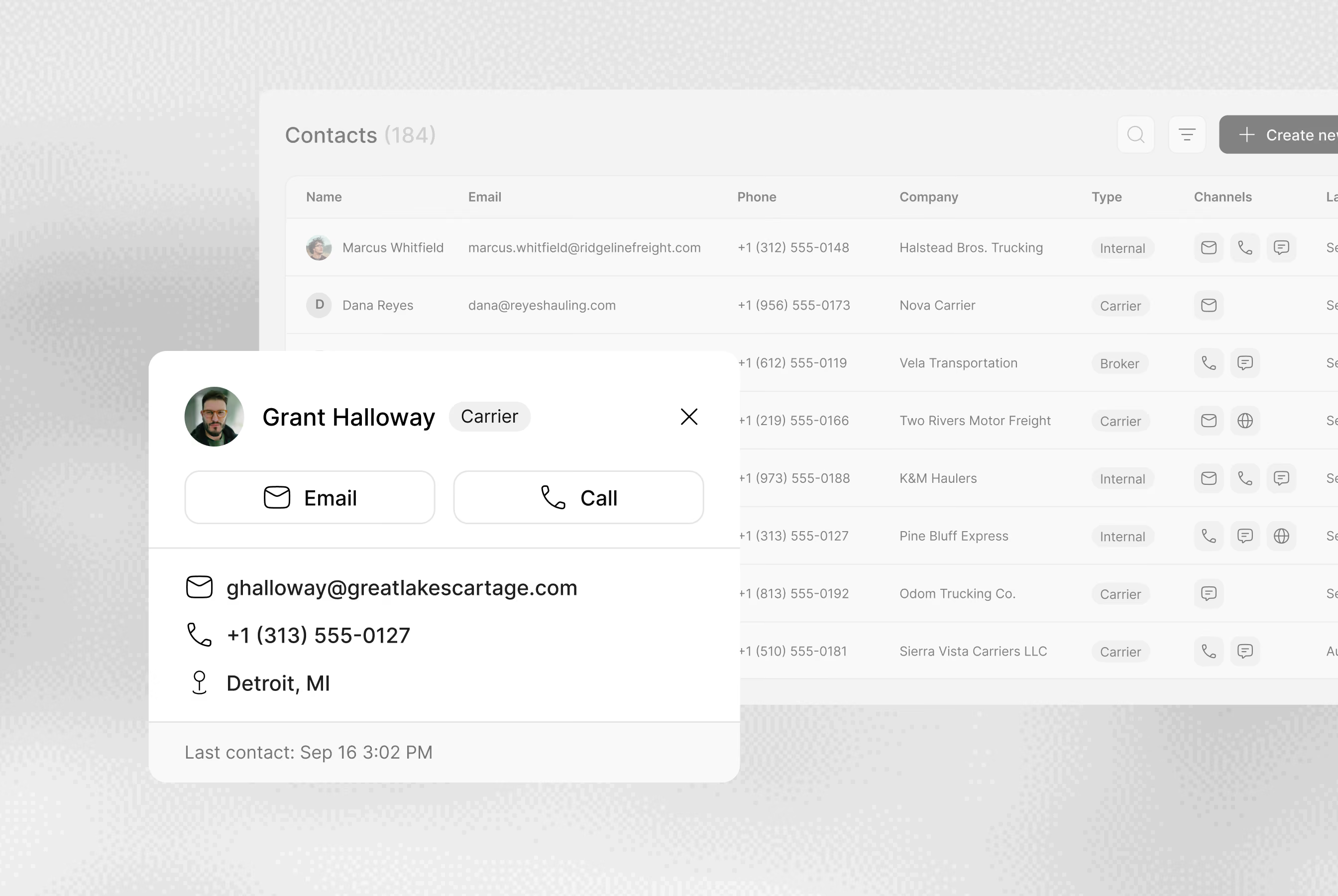
Every contact is tied to their company and role, so you know who to call about a pickup or an invoice
Email or call from the card
The current phone and email sit on the contact card, one click from a call or a message
History on every contact
Open a contact to see the shipments and conversations they’ve been part of, so a handover doesn’t start from zero
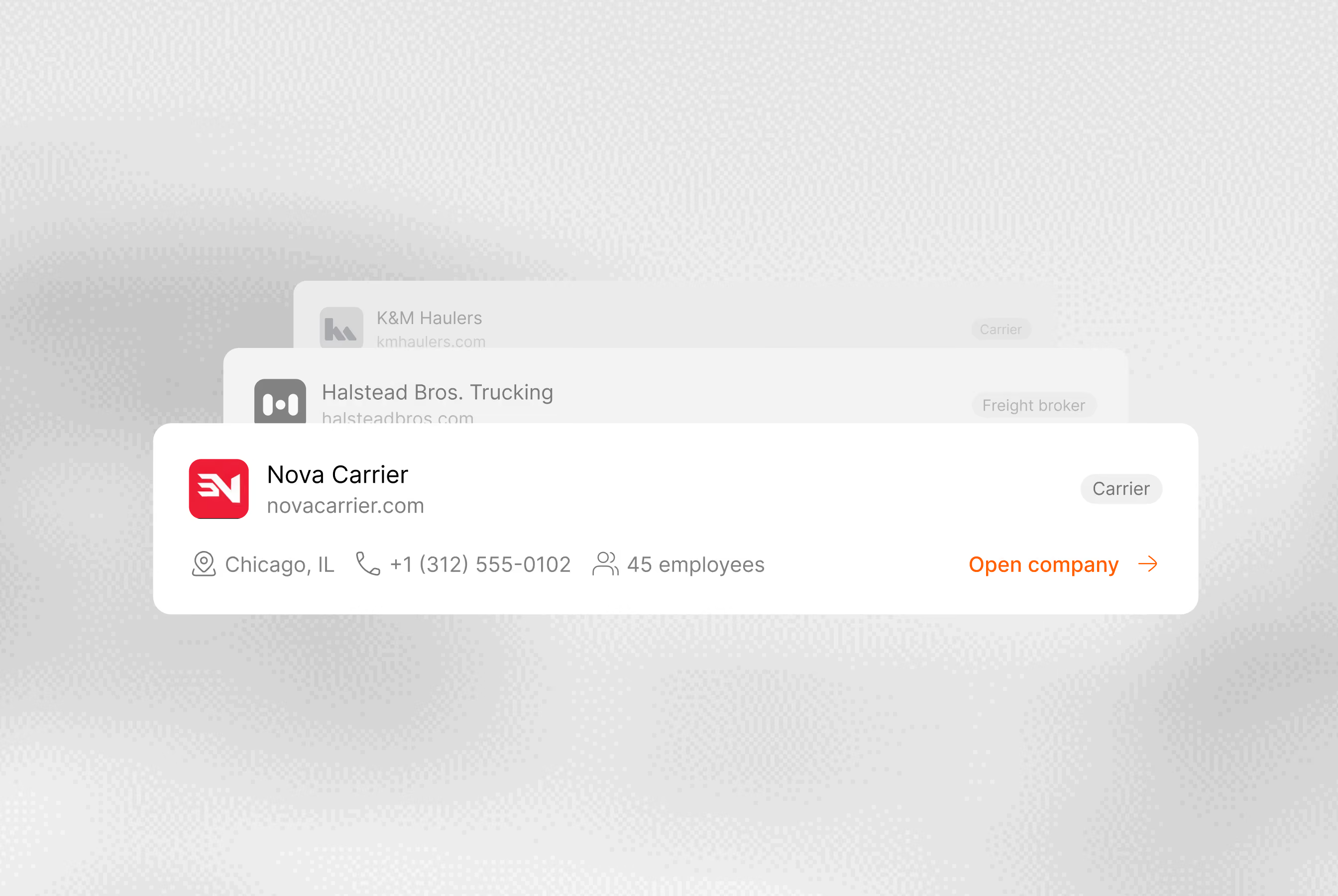
One company record
Keep the details of a customer, carrier or partner together, including the contacts and documents relevant to your relationship
Agreements beside the work
Contracts and rates sit on the company record, next to the shipments that run under them
A shared account history
See every shipment and open issue with a company on its record, whoever on the team handled them
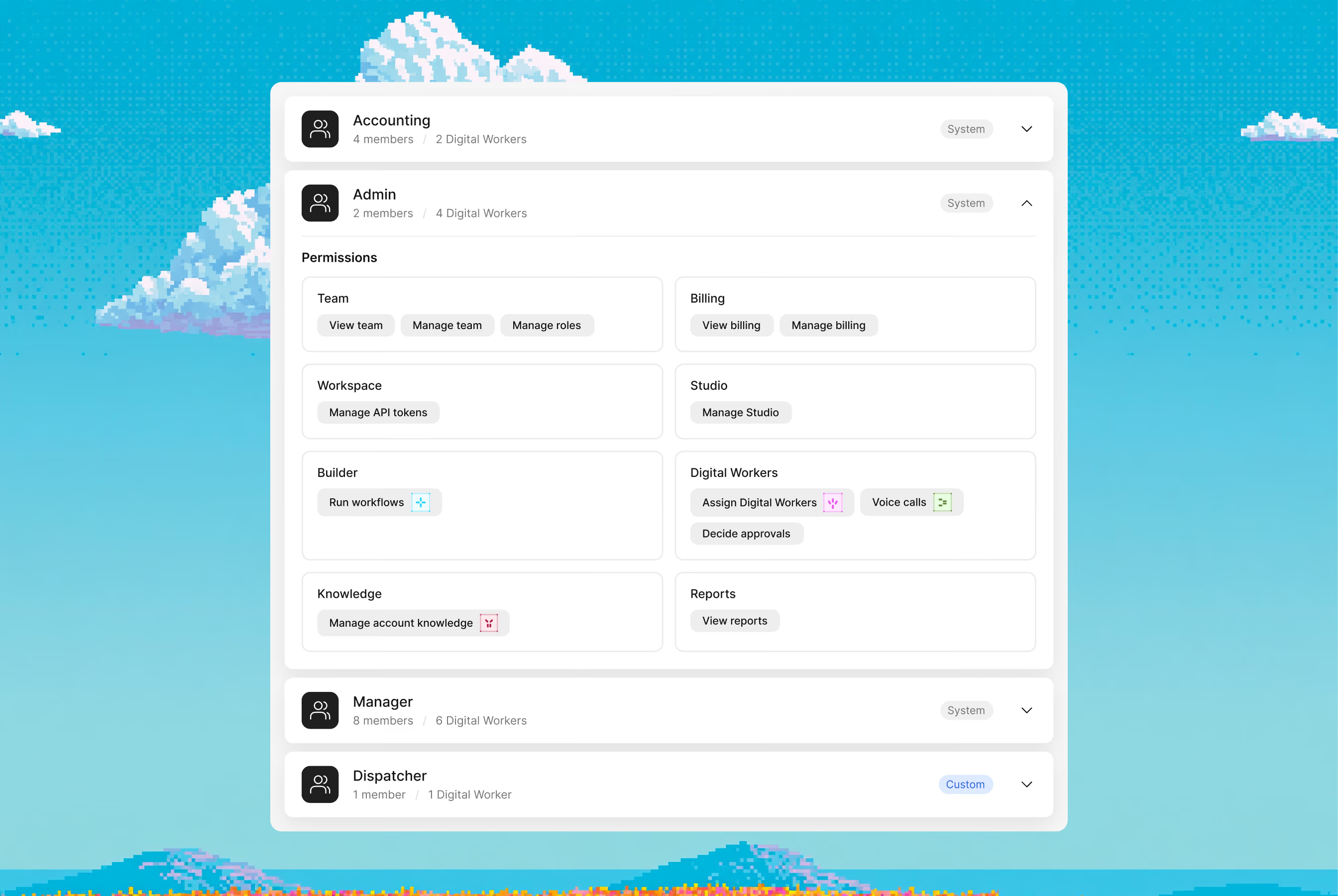
Dedicated access for every role
Use roles and permissions to control who can view information and make changes in your workspace. Match access to each team member's responsibilities.
SET UP AROUND YOUR MODES AND INDUSTRY
Each mode and industry has its own records and rules. Set up the platform to match yours
Modes
Industries
SET UP EVERYTHING YOUR TEAM WORKS WITH
Studio is where you define data models, connect tools and assemble workflows and digital workers. Use it to adapt the platform to your processes

Enterprise grade security
Your data stays yours. Built with privacy-first architecture for regulated industries.

Enterprise access controls

Independently audited

GDPR, CCPA, HIPAA ready

AES-256 at rest, TLS 1.3 in transit
About the platform
How the shared workspace, digital workers and Studio fit into your day-to-day operation.
Platform is where your team and digital workers handle daily operations. Studio is where that setup is built and changed: data models, workflows and digital workers
Digital workers carry out defined tasks using the records, instructions and connected tools available to them. Your team sets their responsibilities and the steps that require human review
No. The Architect handles the initial setup with you. After that, your team makes changes in Studio, and you can always ask the architect to make them for you. If something doesn't work correctly, our team is always here to help
The initial setup takes a few hours. Timing depends on how many systems you connect and how many approval steps the process has
Choose a process to work through with the Cargofy team. Identify its records, participants, connected tools and approval points, then use Studio to configure the setup


See your operation in one workspace
Bring a process your team handles today. We will walk through the records, tasks and decisions, and show where digital workers fit.