

Fewer empty miles for every truck
Dispatchers juggle ten board tabs, copy loads to brokers by hand and check with drivers ten times a day for a POD. Cargofy's digital workers, AI agents that call and write to brokers and drivers in your company's name, find the next load for each truck, contact brokers for you and collect paperwork from drivers.
What changes for your team
Run every truck from load search to getting paid
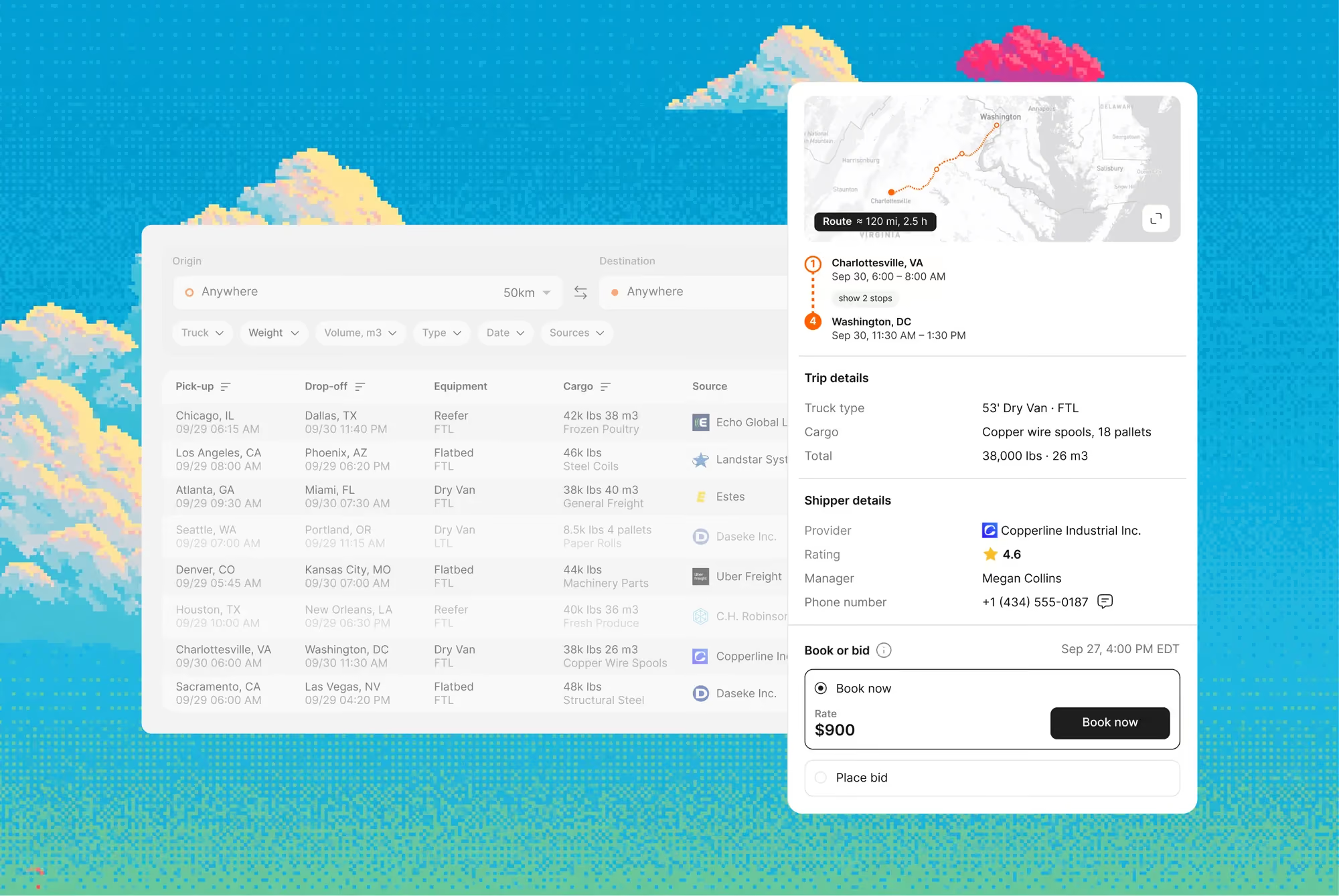
Every source in one ranked search
Loads from Timocom, Trans.eu, Lardi-Trans, Teleroute, Cargopedia and your inbox appear in one table, under your own board accounts
The next load near each drop-off
Save a lane and truck parameters, for example Rotterdam to Skopje and back. Load Hub looks for loads near the drop-off and notifies you
No copy-paste to the broker
Press bid, and the digital worker writes to or calls the broker and returns the reply to the load card
The whole fleet in one plan
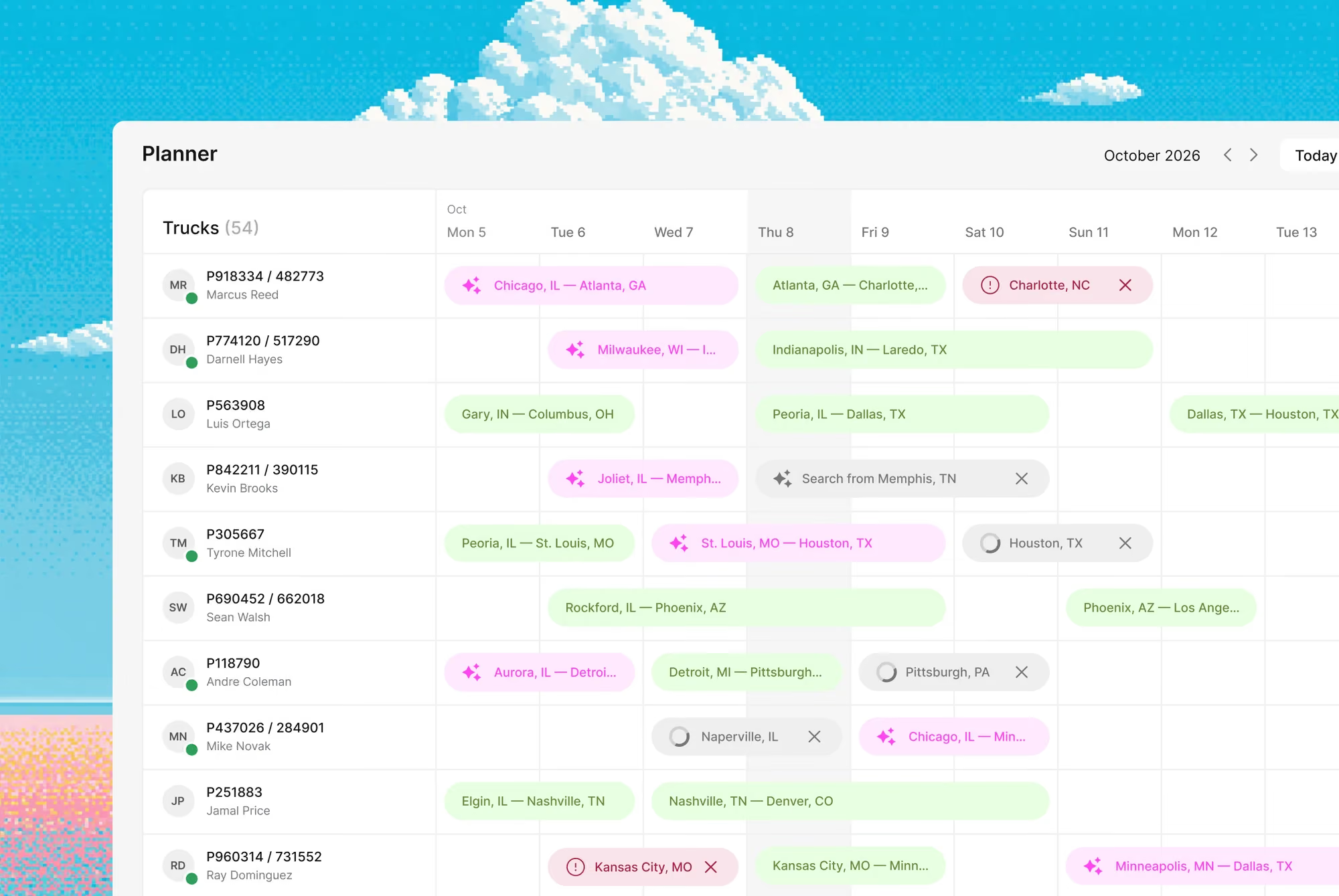
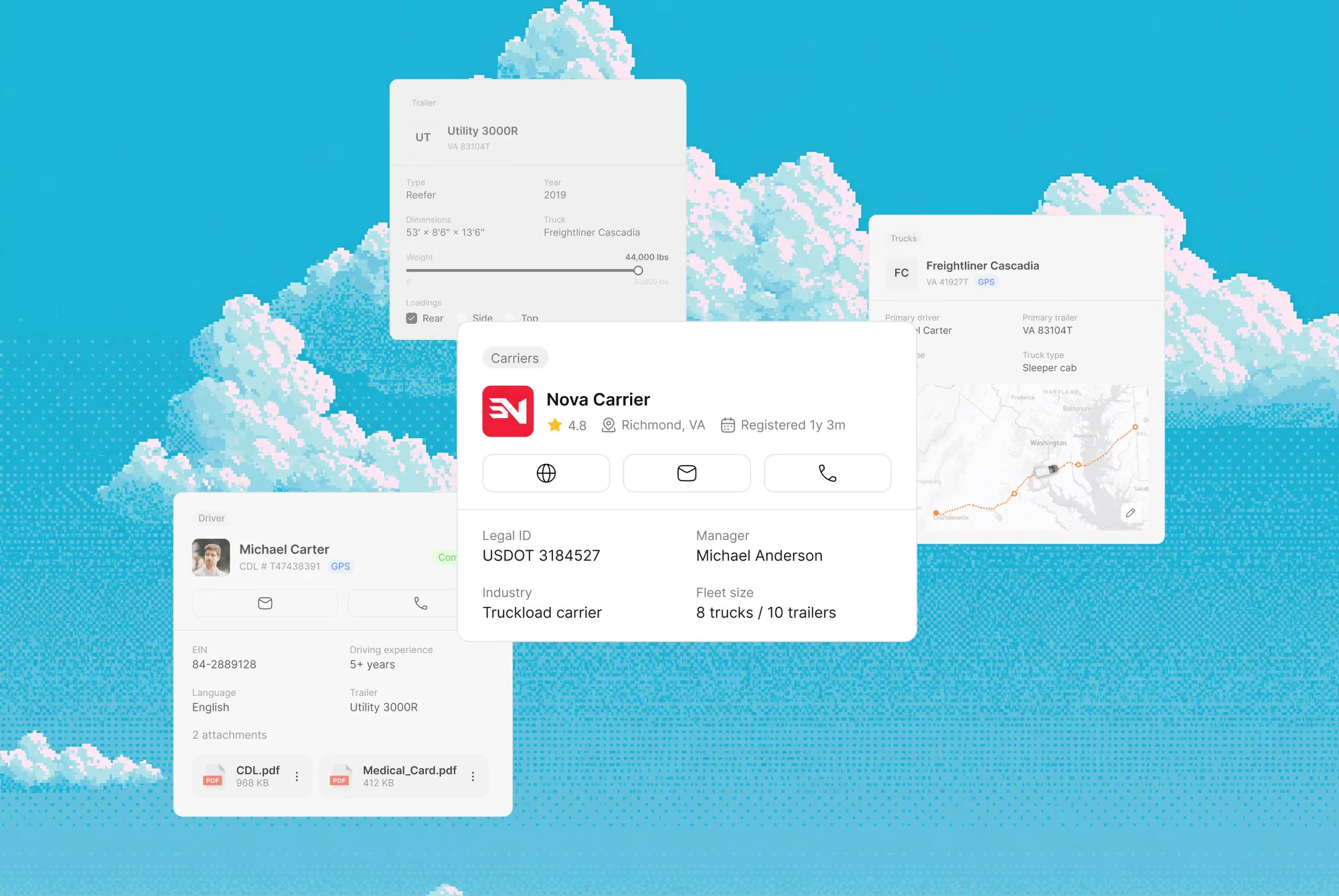
Open the plan and see every truck with its current and next trip
A load search for each truck
Set a search by direction, dates and truck type for a specific truck. For a truck unloading in Kraków tomorrow, Planner shows backhaul matches before it gets there
Status without calling the driver
When a driver reports in a messenger that the truck is unloaded, its status updates without a call to dispatch
Truck and driver in one step
Pick the truck, trailer and driver from Fleet, and the trip stays tied to that unit
The return leg planned with the first
The worker joins the outbound leg and a load for the way back into one round trip
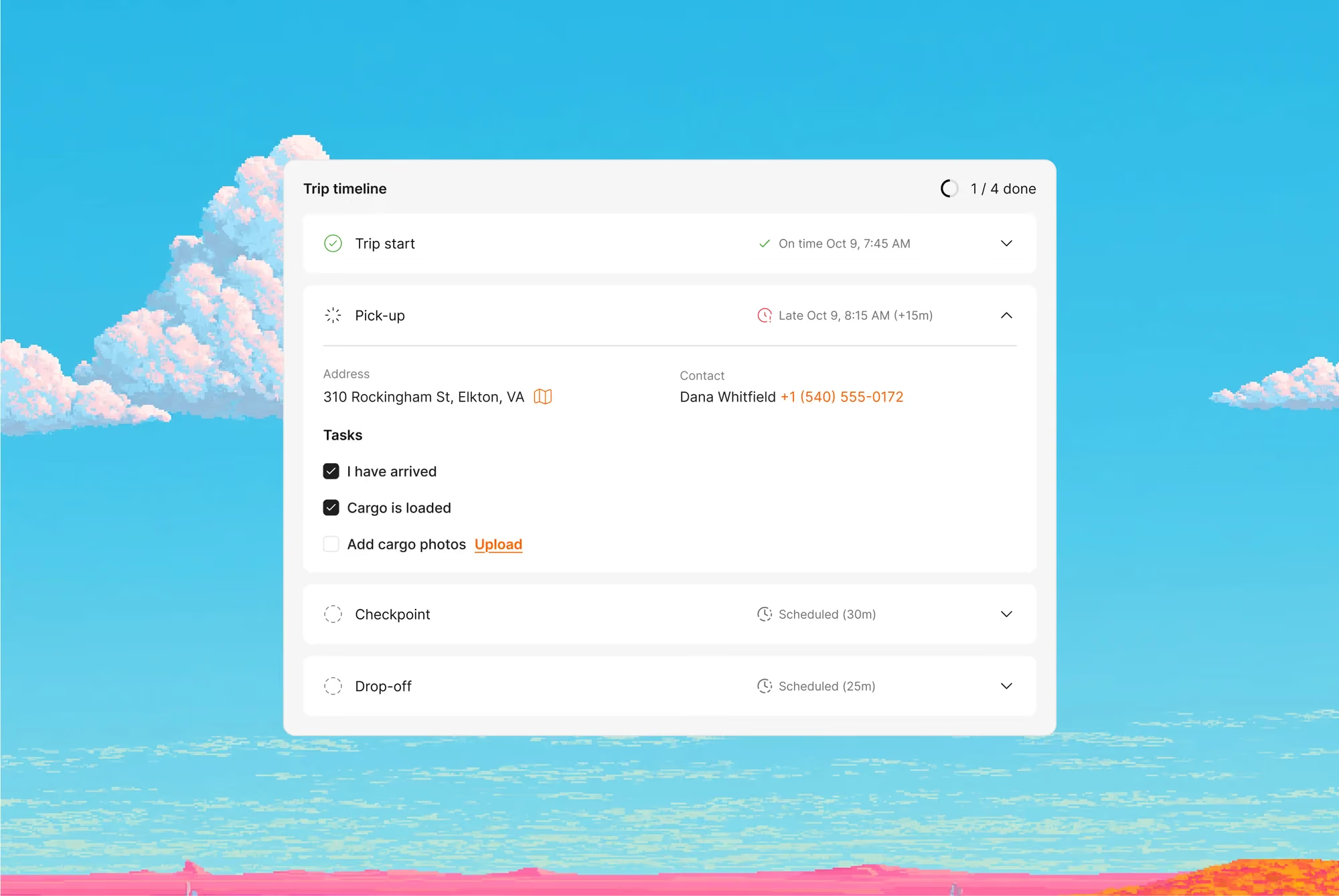
The trip lands on the driver's phone
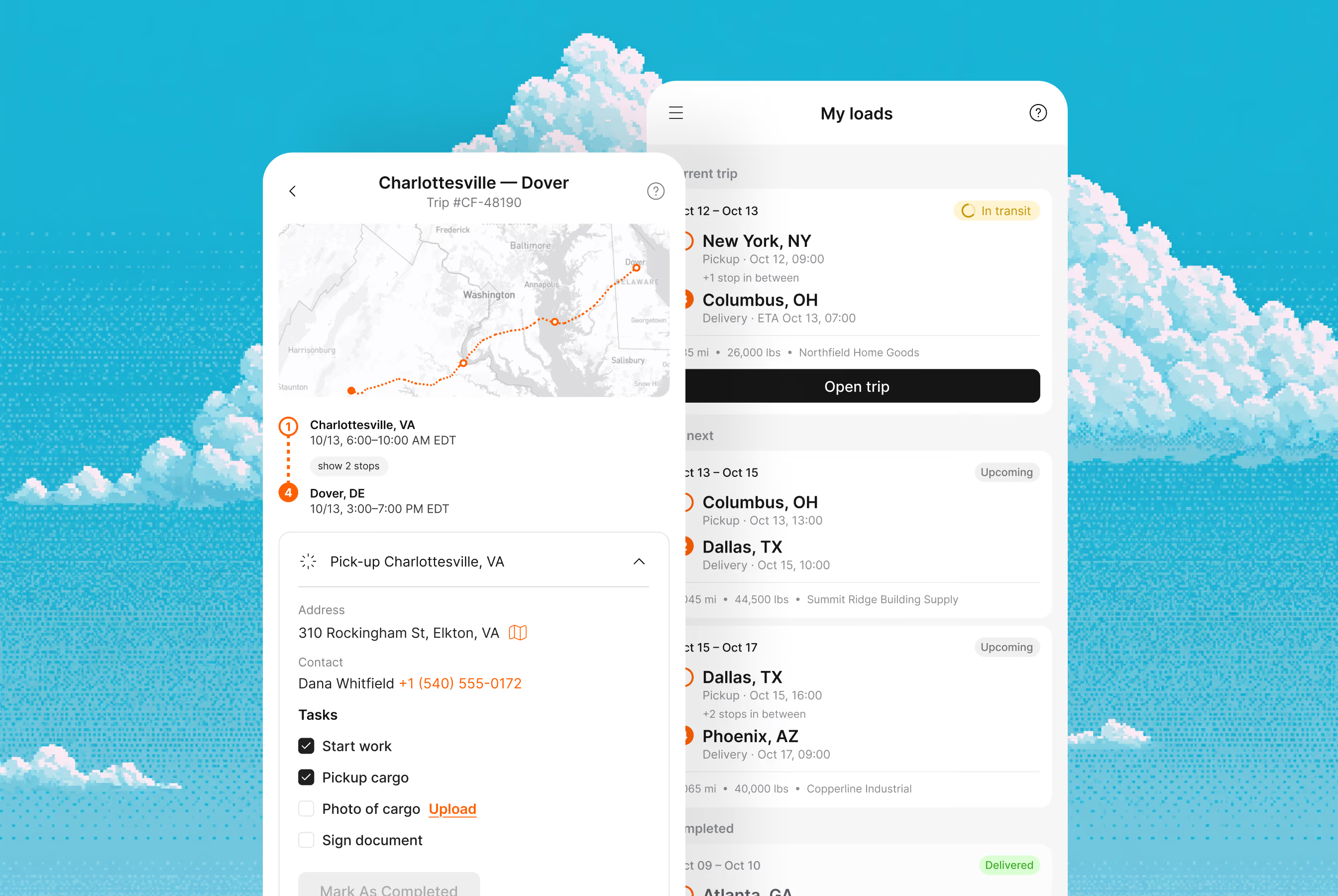
Once assigned, the trip appears in Cargofy Go with its stops and tasks, and the driver's stop statuses come back to the trip card
Every document in the unit card
Registrations, insurance, permits and maintenance records are stored with the truck, trailer or driver they belong to
A complete packet in minutes
Pull a unit's documents together for an insurer, customer or claim without searching through folders
Deadlines that warn you first
Insurance, permits and inspections are tracked by expiry date, so you see what's due before it stops a truck
POD in the shipment the moment it's taken
The driver photographs the POD or CMR at the stop, and the file is attached to the trip
Stop statuses without a call
The driver marks arrival, loading and unloading, and your team sees it right away
Trips and tasks on the phone
When a dispatcher assigns a driver, the trip appears in Cargofy Go with its stops and tasks
Map your business
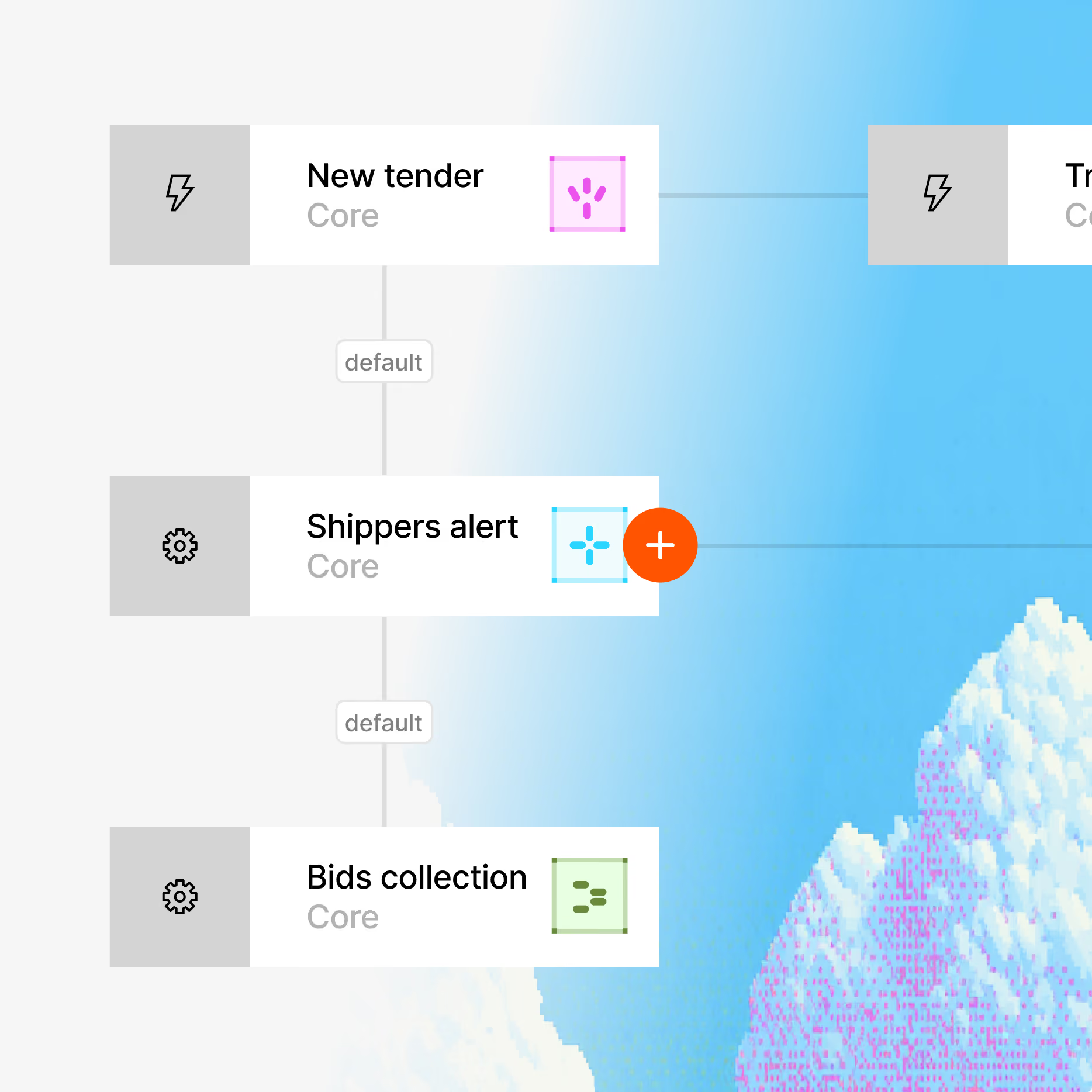
System Architect studies your website, interviews your team and builds a virtual map of all your processes. You review it before anything goes live.
Build your platform
Each digital worker has its own credentials, role, virtual computer and smartphone. Whatever your team does on a screen, it can do too, in 28 languages.
Go live in hours
Digital Workers connect to your TMS, ERP, email, GPS and other tools through 100+ integrations, plus REST API, webhooks and MCP.
Your operation now runs itself
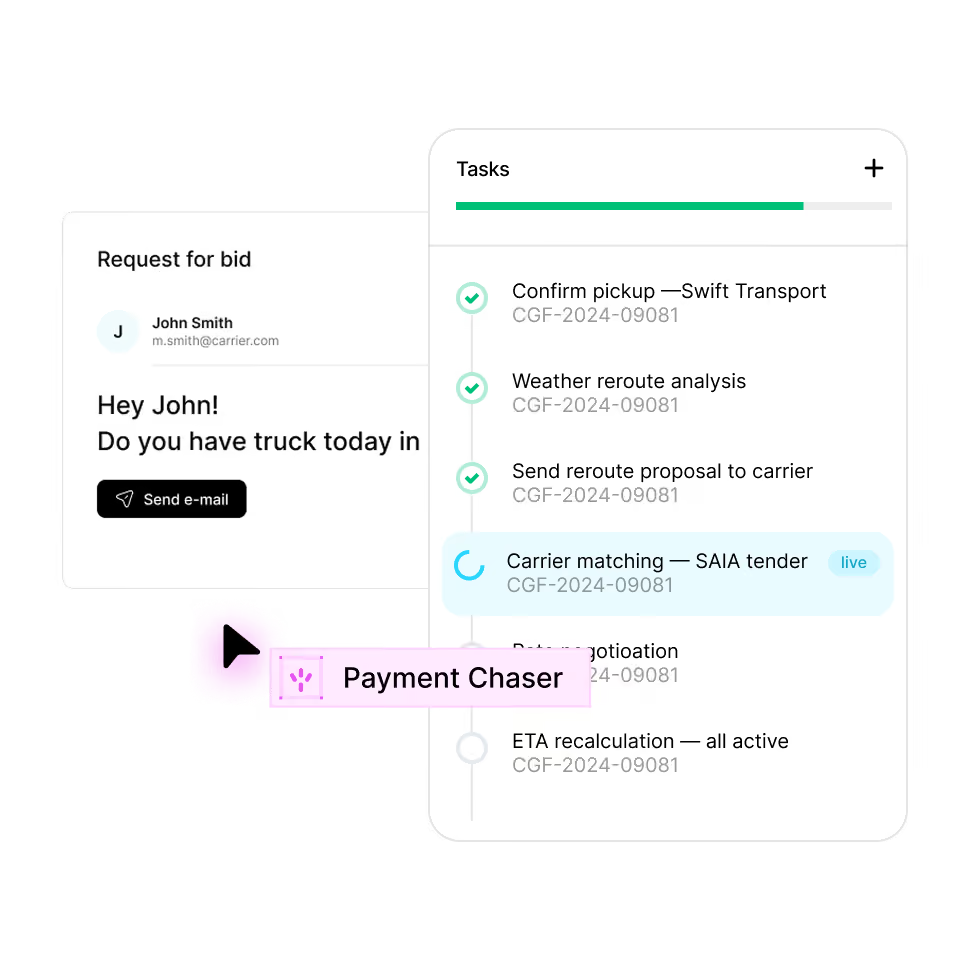
The platform maps your operation and builds the workflows and digital workers to run it, on top of the tools and channels you already use. You decide what they can do and where they must get approval.


Enterprise grade security
Your data stays yours. Built with privacy-first architecture for regulated industries.

Enterprise access controls

Independently audited

GDPR, CCPA, HIPAA ready

AES-256 at rest, TLS 1.3 in transit
FAQ
Everything you need to know about deploying AI Digital Workers into freight operations — from how they work to how fast you can go live.
Planner runs a load search near each truck's drop-off, and Load Hub collects offers from your boards and inbox into one list. Dispatchers book the backhaul before the truck unloads.
No. Loads appear under your own accounts on each board, so you keep your subscriptions.
Yes. Updates are prepared from the trip data, and your dispatcher approves each one before it goes out.
Yes. The trip records arrival and departure at each stop, and a digital worker sends the detention notice to the broker once the free time you set runs out.
Fleet shows data from Samsara, Wialon and Ruptela in the truck card.
Draft placeholder answer for CMS and layout testing only. Replace with approved FAQ copy from the future FAQ CSV before public import or publish.


Ready to put a Digital Worker on the job?
Live in days, not months — connected to your TMS, load boards, and the 50,000-company Cargofy Network from day one.